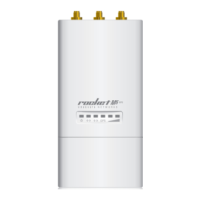
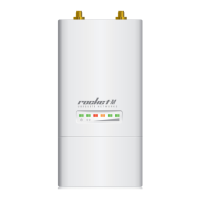
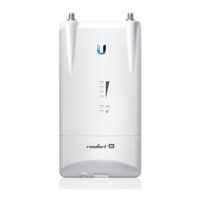
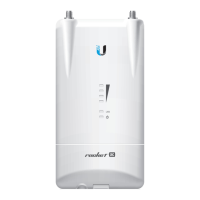
Connecting Power over Ethernet
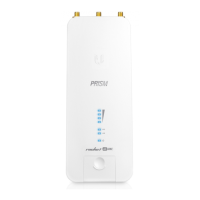
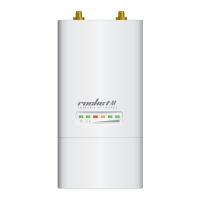
1. Connect the other end of the Ethernet cable from the
Rocket to the Ethernet port labeled POE on the PoE
Adapter.
2. Connect an Ethernet cable from your LAN to the Ethernet
port labeled LAN on the PoE Adapter.
3. Connect the Power Cord to the power port on the PoE
Adapter. Connect the other end of the Power Cord to a
power outlet.


 To Next Page
 Loading...