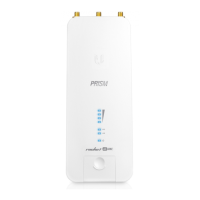
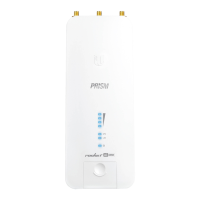
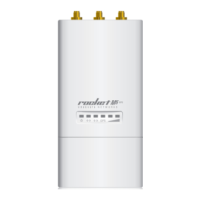
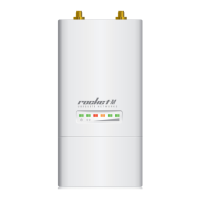
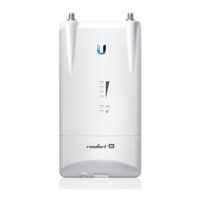
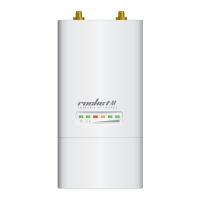
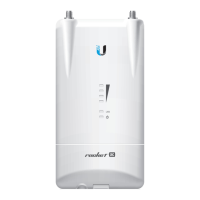
10. Connect the power using:
included Gigabit PoE Adapter
PoE switch
WARNING:
The switch port must comply with the power specications listed in
this Quick Start Guide.
Connecting to the PoE Adapter
1. Connect the Ethernet cable from the device to the POE port of the PoE adapter.
2. Connect an Ethernet cable from your LAN to the LAN port of the PoE adapter.
3. Connect the Power Cord to the adapter, and then plug the Power Cord into a power
outlet.
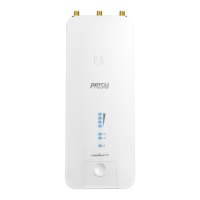
R2AC-PRISM Quick Start Guide


 To Next Page
 Loading...