3
Hardware Installation
Hardware Installation
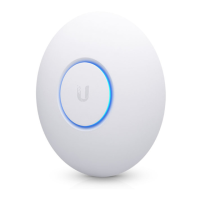
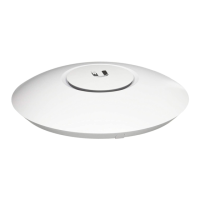
The UniFi Enterprise AP is powered by the included PoE (Power
over Ethernet) adapter. To install the AP, perform the following
steps:
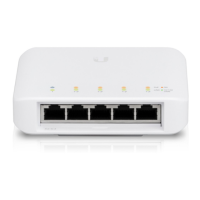
1. Connect an Ethernet cable to the Ethernet port on the
UniFi Enterprise AP.
2. Connect the power cord to the power port on the PoE Adapter.
Connect the other end to of the power cord to a power outlet.



 To Next Page
 Loading...