5
Hardware Installation
Mounting the Access Point
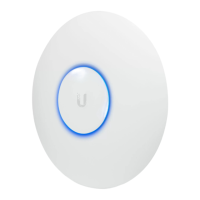
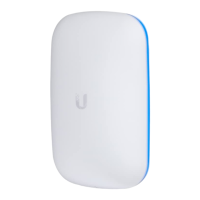
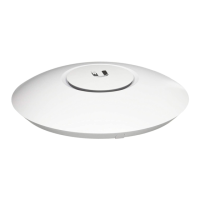
The UniFi Enterprise AP can be wall-mounted or mounted
on a ceiling. Perform the following steps for the appropriate
installation:
Wall-Mount
1. Align the wall-mounting bracket with the Wall Mount text
facing up. There are horizontal and vertical lines on the bracket
to help with orientation.
Wall Mount
Wall Mount text
2. Use a pencil to mark the holes on the wall.
3. Use a 6 mm drill bit to drill the holes in the wall.
4. Insert the 3 screw anchors into the wall.
5. Secure the wall-mount bracket to the wall by inserting the self
tapping screws into the anchors.
Wall Mount


 To Next Page
 Loading...