Power Port
Reset Button
Connect the included Power Adapter to the Power port.
Resets to factory defaults. The device should be running after bootup is complete. Press
and hold the Reset button for about 10 seconds until the LED starts ashing and then
becomes solidly lit. After a few seconds, the LED will turn off, and the device will
automatically reboot.
Connecting Power
OR
Connecting Ethernet
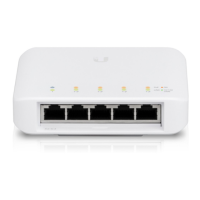
USW-Flex-Mini Quick Start Guide


 To Next Page
 Loading...