Powering the UniFi AP
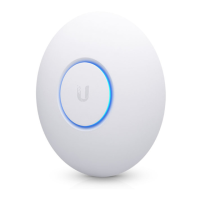
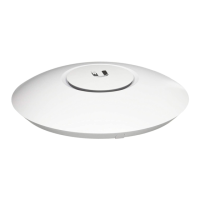
The UniFi AP AC EDU features auto-sensing 802.3at PoE+
support and can be powered by any of the following:
• Ubiquiti Networks UniFi Switch (recommended and sold
separately)
• 802.3at PoE+ compliant switch
• Ubiquiti Networks Gigabit PoE Adapter* (48V, 0.5A)
* Included only in the single-pack of the UAP-AC-EDU.
Connecting to a PoE+ Switch
Connect the Ethernet cable from the UniFi AP AC EDU directly
to a PoE port on the switch.



 To Next Page
 Loading...