9
Chapter 3: NavigationUniFi® VoIP Phone User Guide
Ubiquiti Networks, Inc.
Status Bar
The status bar always appears along the top of every
screen. The icons on the left side indicate outstanding
notifications. The icons on the right side indicate the
status of various interfaces.
Detailed information on these notifications and interfaces
can be accessed from the status bar as described below.
Notification List
To access the notification list:
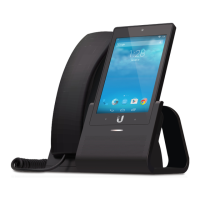
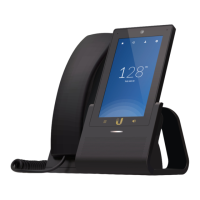
UVP, UVP-Pro Touch the status bar and swipe downward.
If the notification list is not displayed, touch the icon at
the upper right.
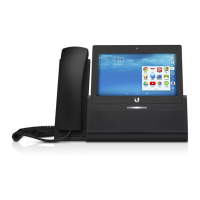
UVP-Executive Touch the left side of the status bar and
swipe downward.
The notification list contains a slider bar for adjusting
the volume of notifications, followed by the individual
notifications.
The list always contains the phone application
which displays the user’s name and extension or status
information if a problem exists. Missed calls are also
displayed in the notification list.
Interface List
To access the interface list:
UVP, UVP-Pro Touch the status bar and swipe downward.
If the interface list is not displayed, touch the icon at the
upper right.
UVP-Executive Touch the right side of the status bar and
swipe downward.
The interface list consists of a slider bar that lets you adjust
the volume of notifications, followed by:
Owner Select this option to display the owner profile.
Brightness Select this option to adjust the screen
brightness.
Settings TSelect this option to display the Settings screen.
This is equivalent to the Settings icon on the Home screen.
Volumes Select this option to display slider controls for:
• Music, video, games, & other media
• Notifications
• Alarms
• Voice calls
Wi-Fi/<network name> Select this option to display
Wi‑Fi networks. If a Wi‑Fi network connection exists, the
network name (SSID) is displayed instead of Wi-Fi, and
the number of lit bars in the icon indicates the relative
strength of the connection.
Bluetooth Select this option to display Bluetooth
interfaces.
Location Select this option to display information on the
Location feature, including mode status (on/off), recent
location requests, and location services.
Toggling Between Lists
Touch the icon to toggle notifications to interfaces.
Touch the icon to toggle interfaces to notifications.


 To Next Page
 Loading...