11
04 Frequently Asked Questions (FAQs)
Check whether the drawing tablet has power.
Check whether it is successfully connected.
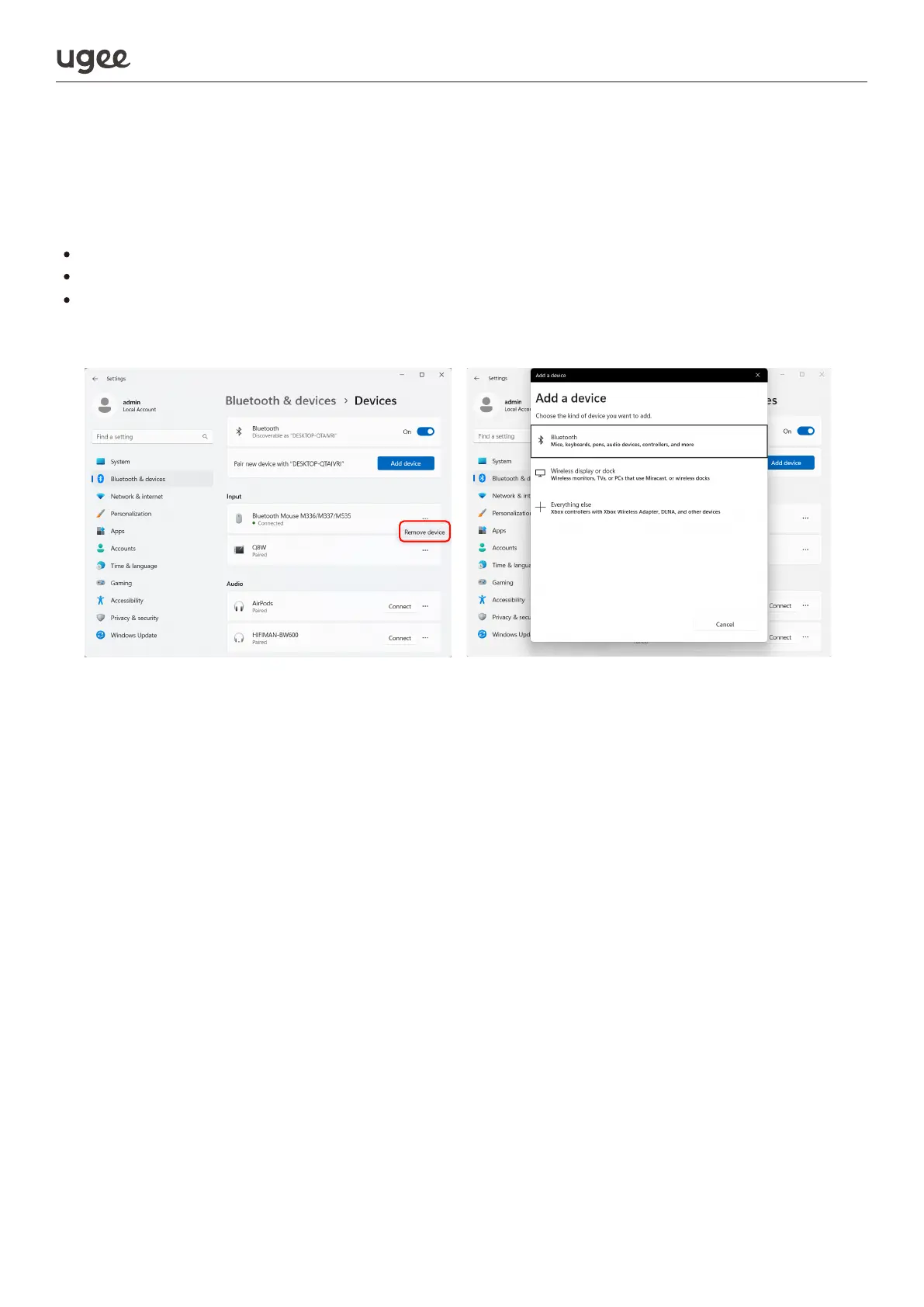
If there are no issues with the above steps, please try restarting and then recon-
necting the device after forgetting the previously connected device from the
Bluetooth connection interface (of the computer/mobile/tablet).
1. Bluetooth mode not working on drawing tablet
If you switch between different external devices while using the drawing tablet,
you will need to re-pair it. Method: Press the power key 3 times in a row to enter
Bluetooth pairing state and re-pair.
2. Drawing tablet not automatically pairing over Bluetooth after
being powered on
When using the product, do not place it on a metal surface, or place items contain-
ing metal (including electronic devices such as mobile phones, tablets and met-
al-containing stationery such as steel rulers) in the work area, as these will cause
interference resulting in errors of cursor fluttering and jumping out of control.
3. Cursor fluttering and jumping out of control when using the tablet
Please check if the software supports the pressure sensitivity feature. Some
mobile apps may not have built-in pressure sensitivity features.
If you need any further assistance, please contact us at:
Website: www.ugee.com
Email: service@ugee.com
4. No pressure sensitivity in drawing software


 To Previous Page
 Loading...

