16
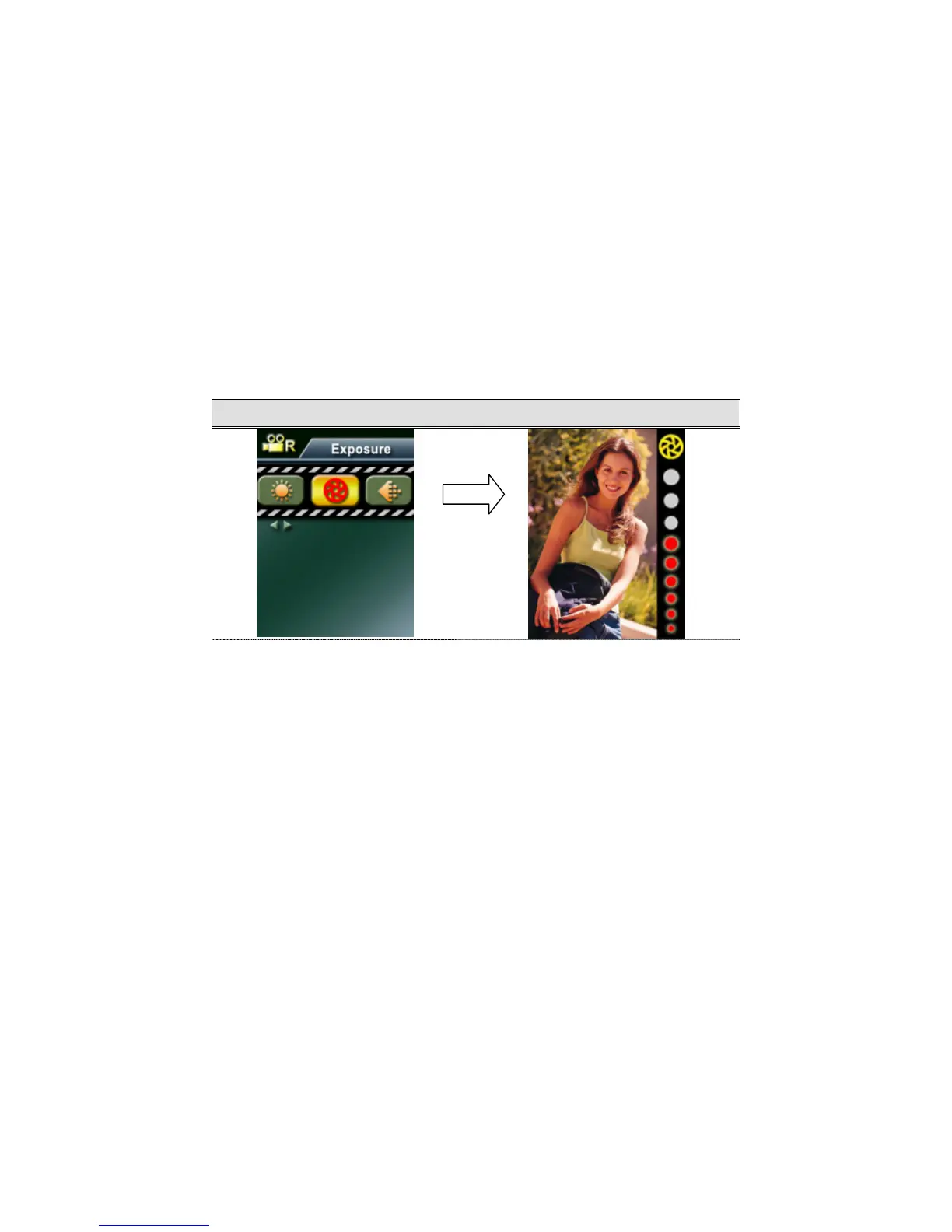
Exposure
The camera adjusts image exposure automatically. In certain circumstances you may wish to
adjust the exposure compensation setting.
To change Exposure setting:
1. In Movie/Picture Record Mode, press Enter button to switch to menu screen.
2. Use Up/Down buttons to select Exposure, then press Enter/Right buttons to switch to
Exposure submenu.
3. Use Up/Down buttons to move between nine levels. The change can be previewed
immediately.
4. Press Enter button to validate the setting and exit.
Display Screen Change Expousre Setting
Enter Button



 To Next Page