23
4. Press Enter button to validate the setting and exit.
Note
The flash will be disabled automatically
when battery power is low (
)
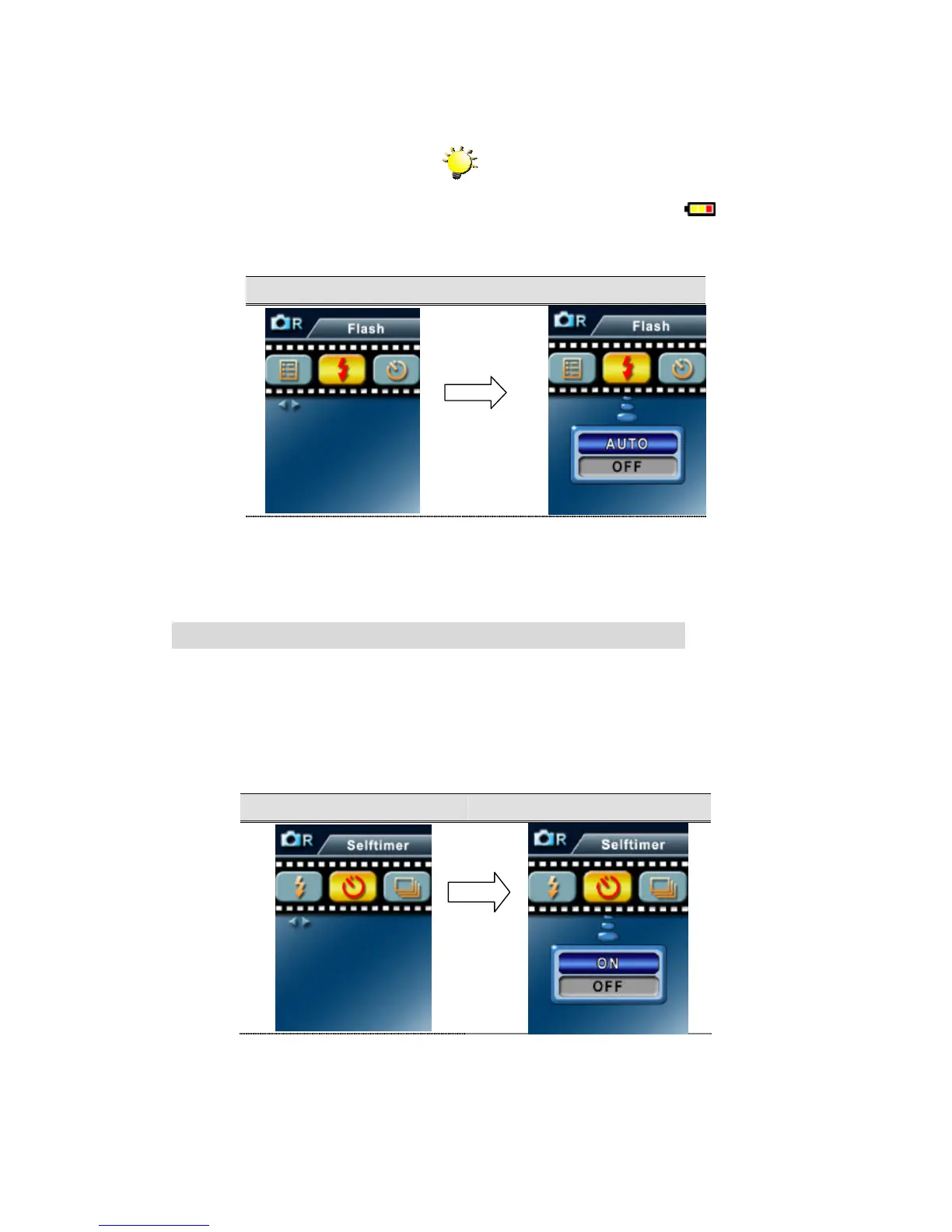
Flash Flash Options
Self-Timer ( Picture Record Mode Only)
The self-timer allows you to take pictures with a ten-second time delay. To activate Self-Timer
by either hot key(Left button) or Option Setting. The self-timer LED on the front of the camera
beneath the flash light will also blink. The speed of blinking will increase just before the picture
is taken.
Self-Timer Selt-Timer Option
Enter Button
Enter Button



 To Next Page