6 Keystone correction
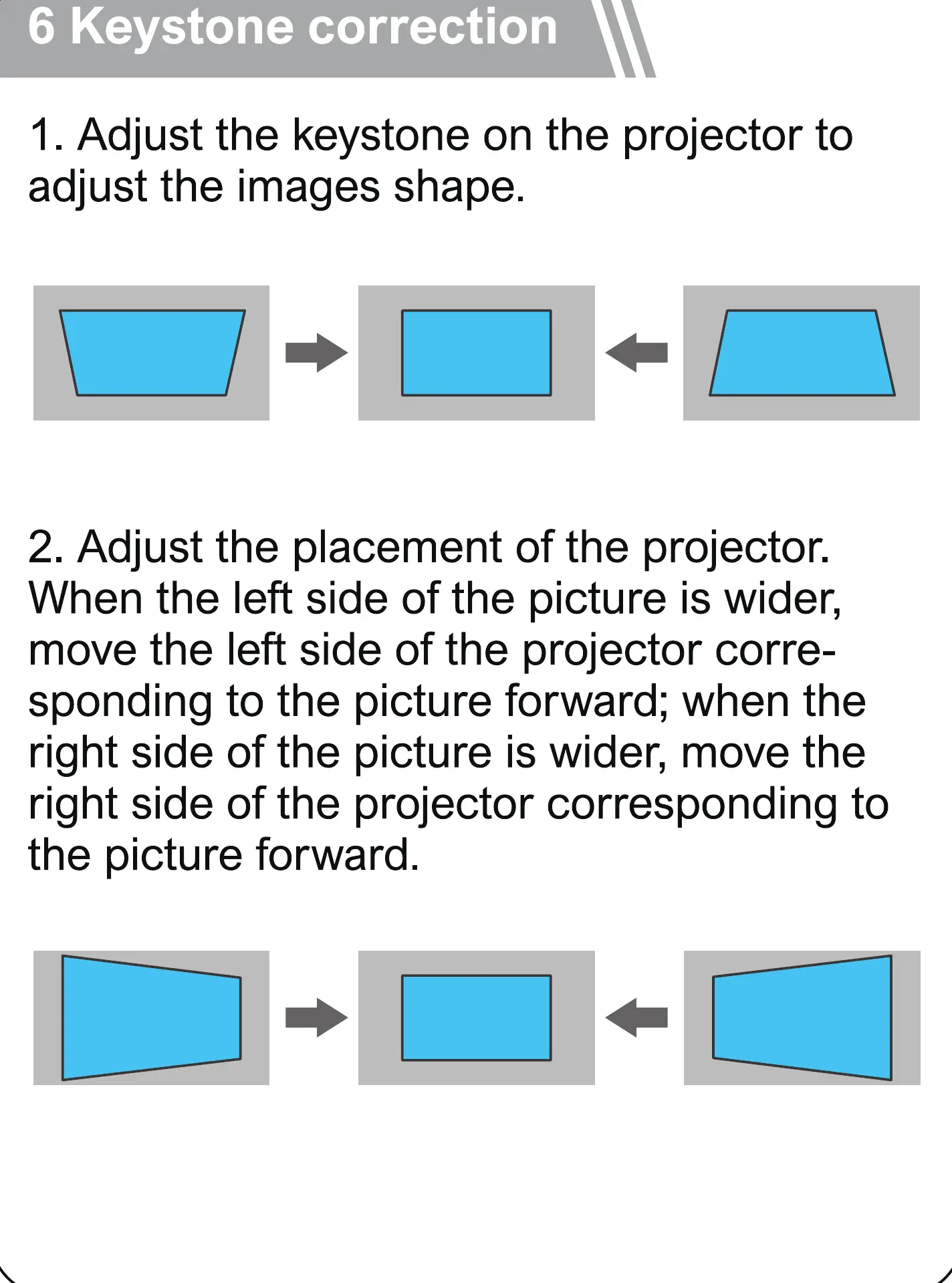
1. Adjust the keystone on the projector to
adjust the images shape.
2. Adjust the placement of the projector.
When the left side of the picture is wider,
move the left side of the projector corre-
sponding to the picture forward; when the
right side of the picture is wider, move the
right side of the projector corresponding to
the picture forward.



 To Next Page