7.2 Fire TV Stick Connection
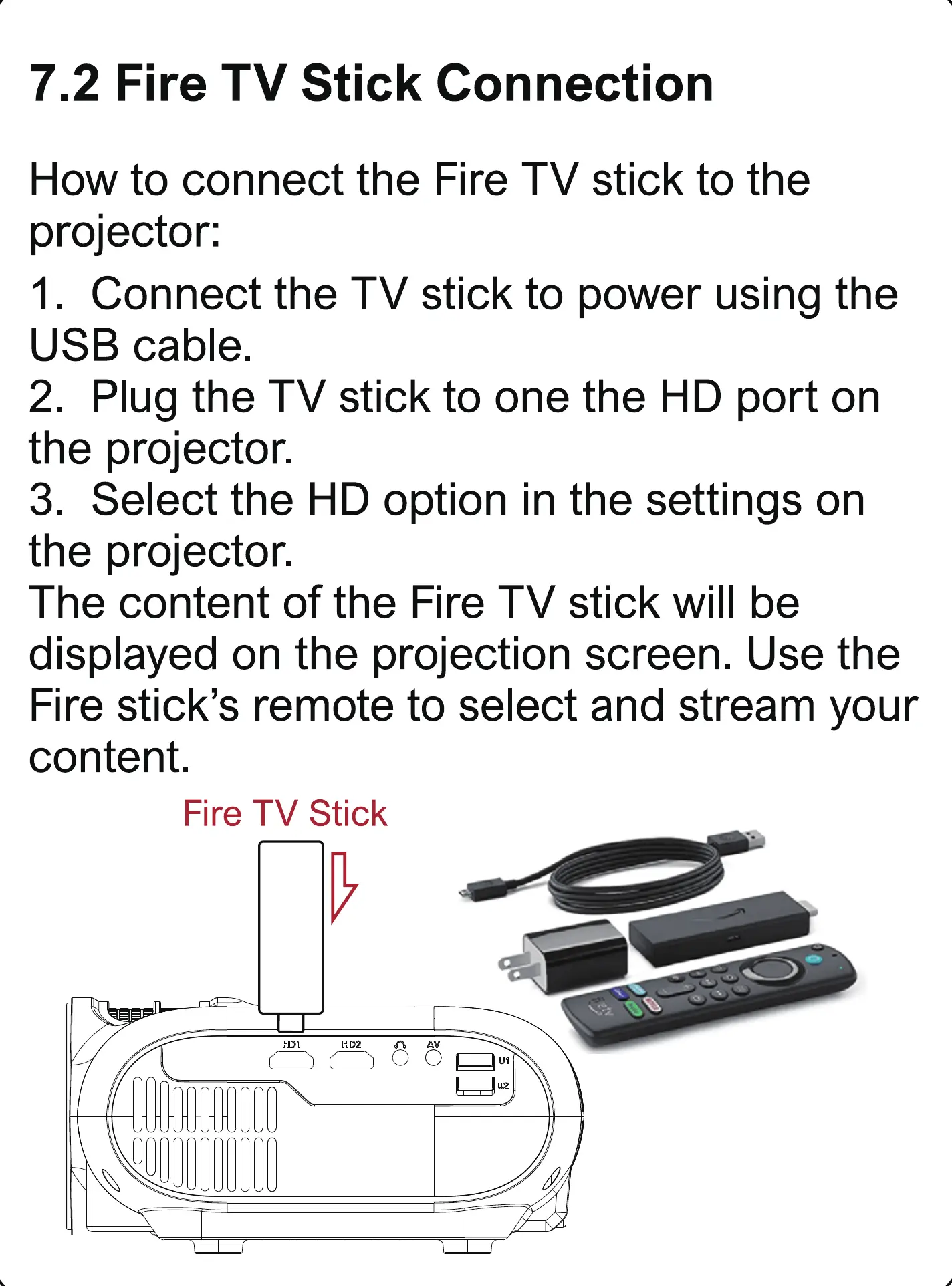
How to connect the Fire TV stick to the
projector:
1. Connect the TV stick to power using the
USB cable.
2. Plug the TV stick to one the HD port on
the projector.
3. Select the HD option in the settings on
the projector.
The content of the Fire TV stick will be
displayed on the projection screen. Use the
Fire stick's remote to select and stream your
content.
Fire TV Stick



 To Next Page