7.5 AV mode
Step I :
Connect the projector and the
device with the AV cable.
Step 2:
Press and hold the Source button -a
of the projector or remote control to enter
the input source interface.
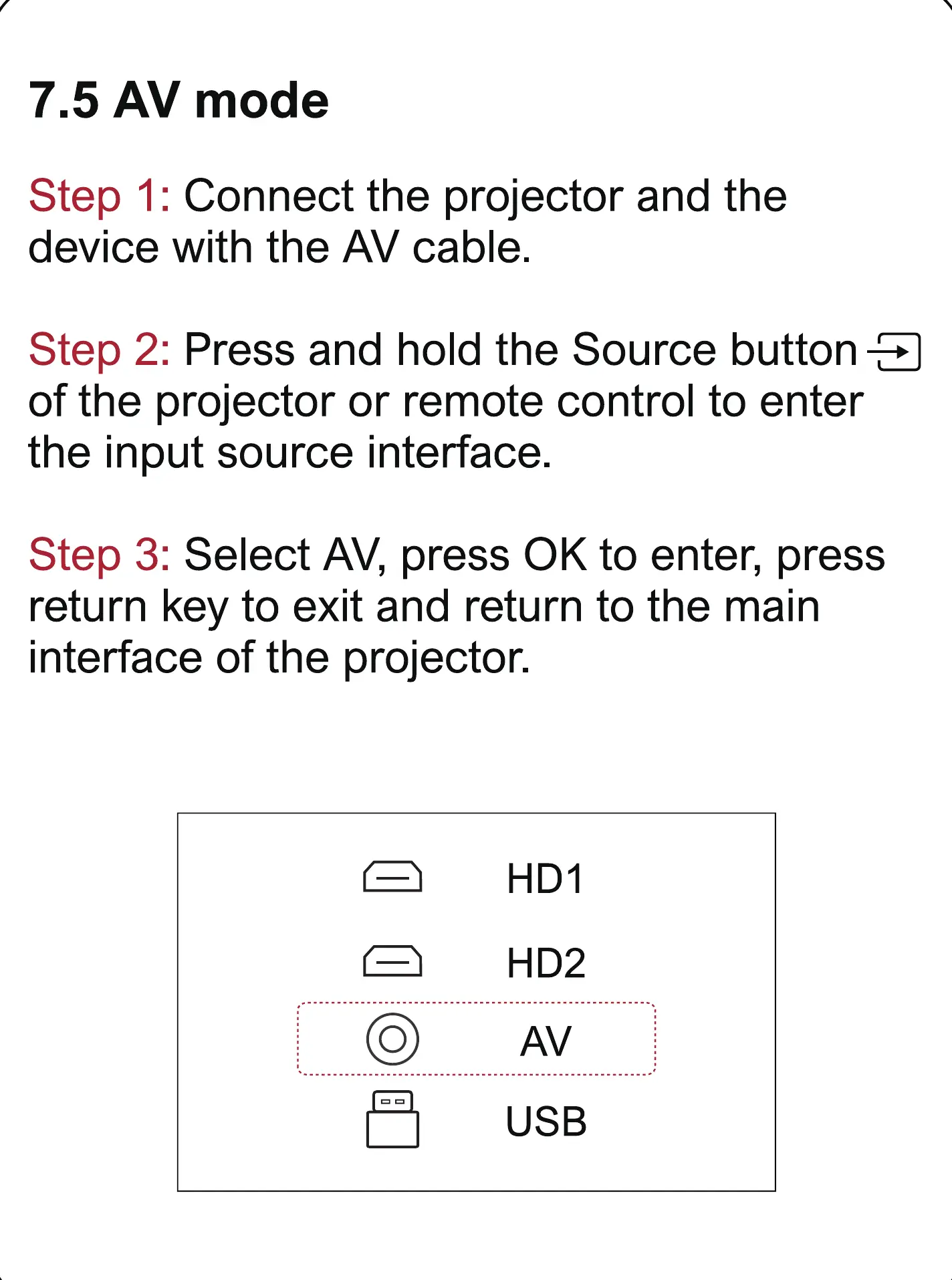
Step 3: Select AV, press 0K to enter, press
return key to exit and return to the main
interface of the projector.
O
HDI
HD2
AV
USB



 To Next Page