Page11
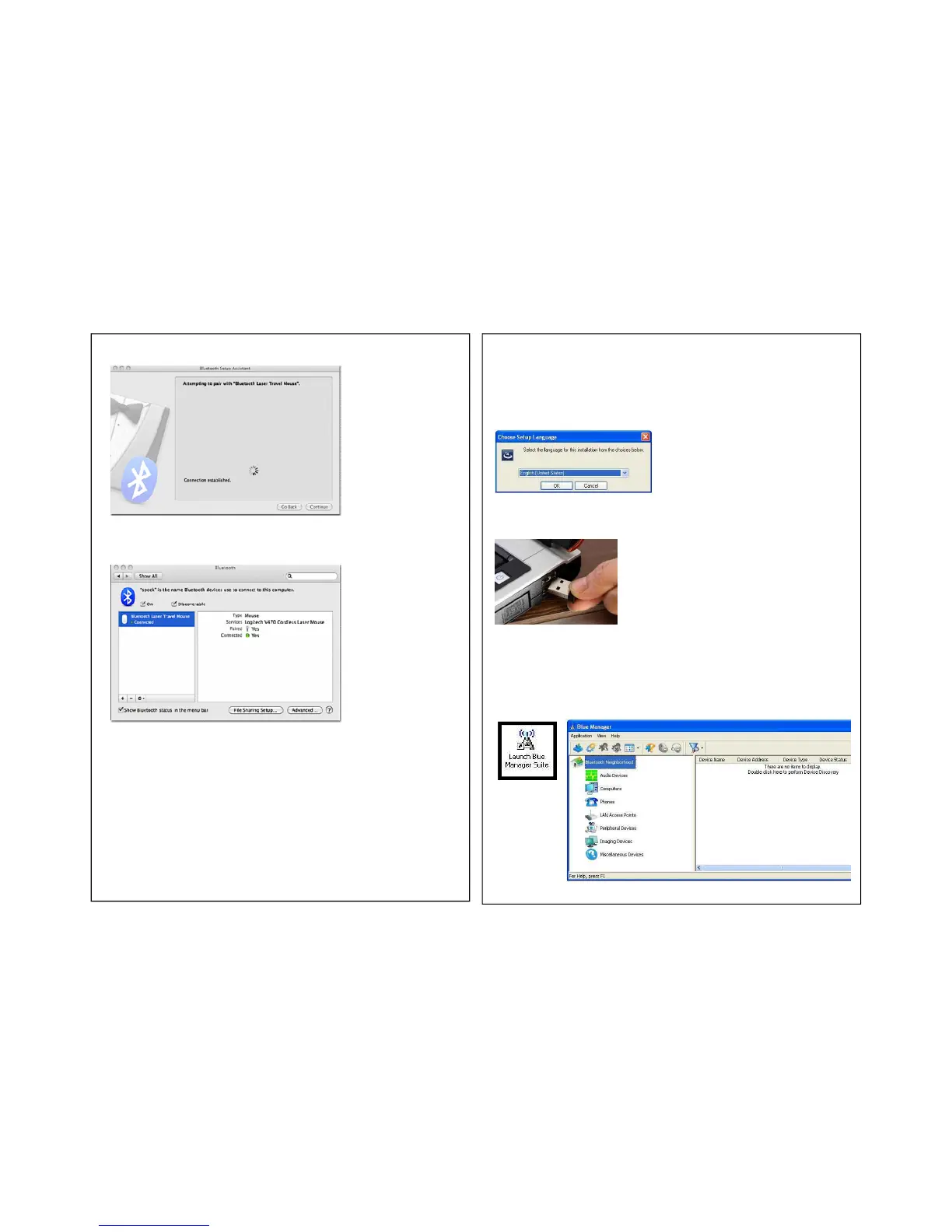
8. The computer will finish pairing the eXo and will indicate when the connection
has been made.
9. Re-opening the
Bluetooth®
preferences window, will show a list of all of the
connected devices.
Page12
VIII. Paring the eXo with a PC that does not have a
Bluetooth®
Transmitter (PC Only):
1.Insert the included CD to your system. Click on the Setup icon.
2.Select your language.
3. Accept terms of license agreement.
4. After installation, connect the
Bluetooth®
USB dongle to your system.
5. Click on the Launch Blue Manager Suite Icon located on your desktop (shown below).
The Blue Manager application will launch.


 To Next Page