HDD Replacement
Note: The Cloud Key G2 Plus only supports hard drives that can operate on 5V power.
Hard drives that require additional power are not supported.
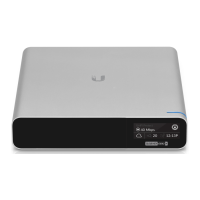
The Cloud Key Gen2 Plus comes pre-installed with a 1TB SATA HDD. If you want to replace it,
you must use a 2.5" SATA HDD and follow these instructions:
1. Back up your controller configurations. Controller configurations are stored on the hard
drive and will be reset when a new hard drive is inserted.
2. Power off the Cloud Key Gen 2 Plus to prevent any software disruption.
3.
WARNING: Do not release or operate the HDD Latch while the Cloud Key
Gen2 Plus is in use or powered on.


 To Next Page
