Service Manual
14
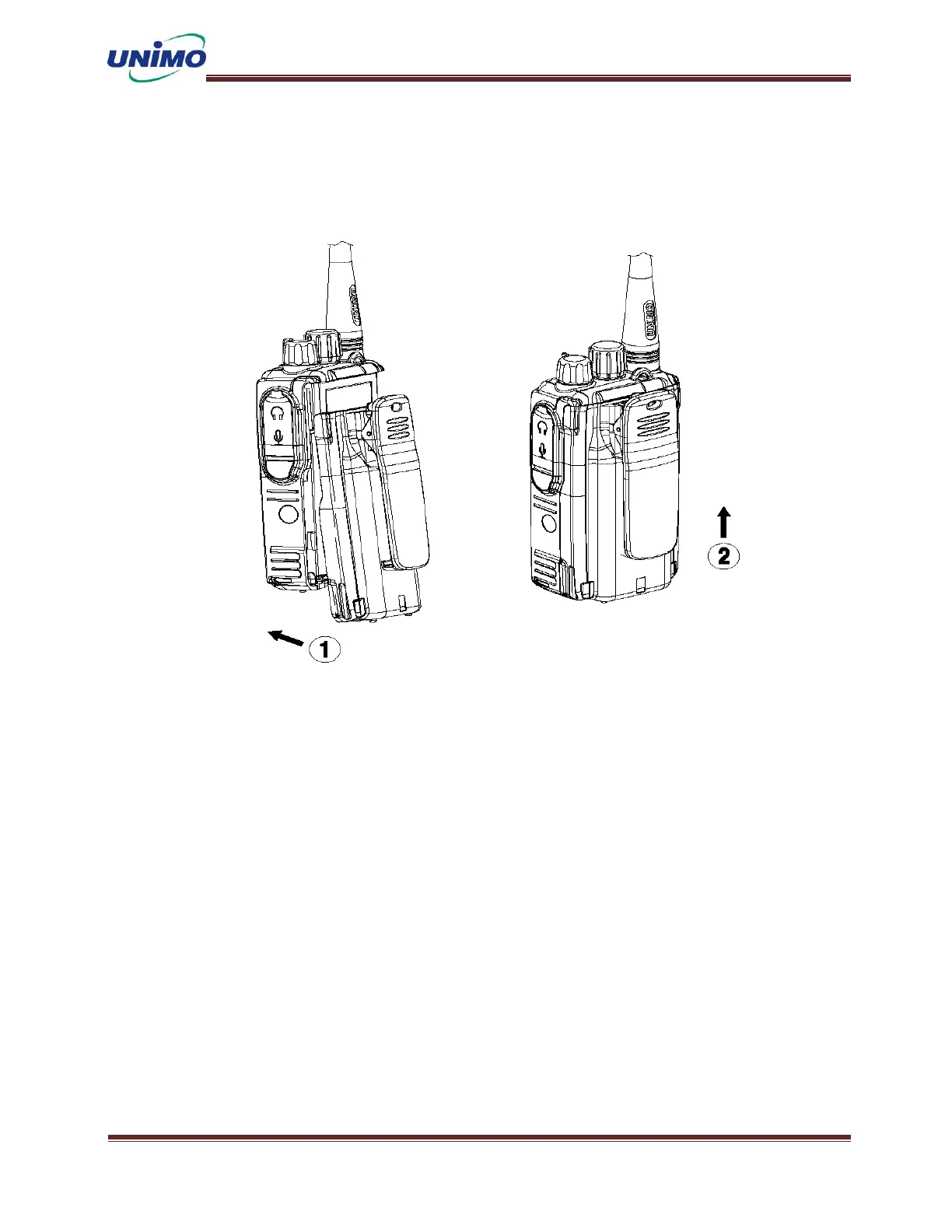
4.3 Install and Remove Battery
Battery Installed
◼ Turn off the main unit.
◼ Hold the main unit and battery in both hands so that the back is visible.
◼ Align the hooks on the back of the main body with the hooks on the front of the
battery.
◼ While pressing the bottom of the battery, slide the battery upward until it clicks
into place.
◼ Make sure the battery lock is in the normal position.



 To Next Page