Service Manual
23
5.10 Digital(DMR) Call Mode
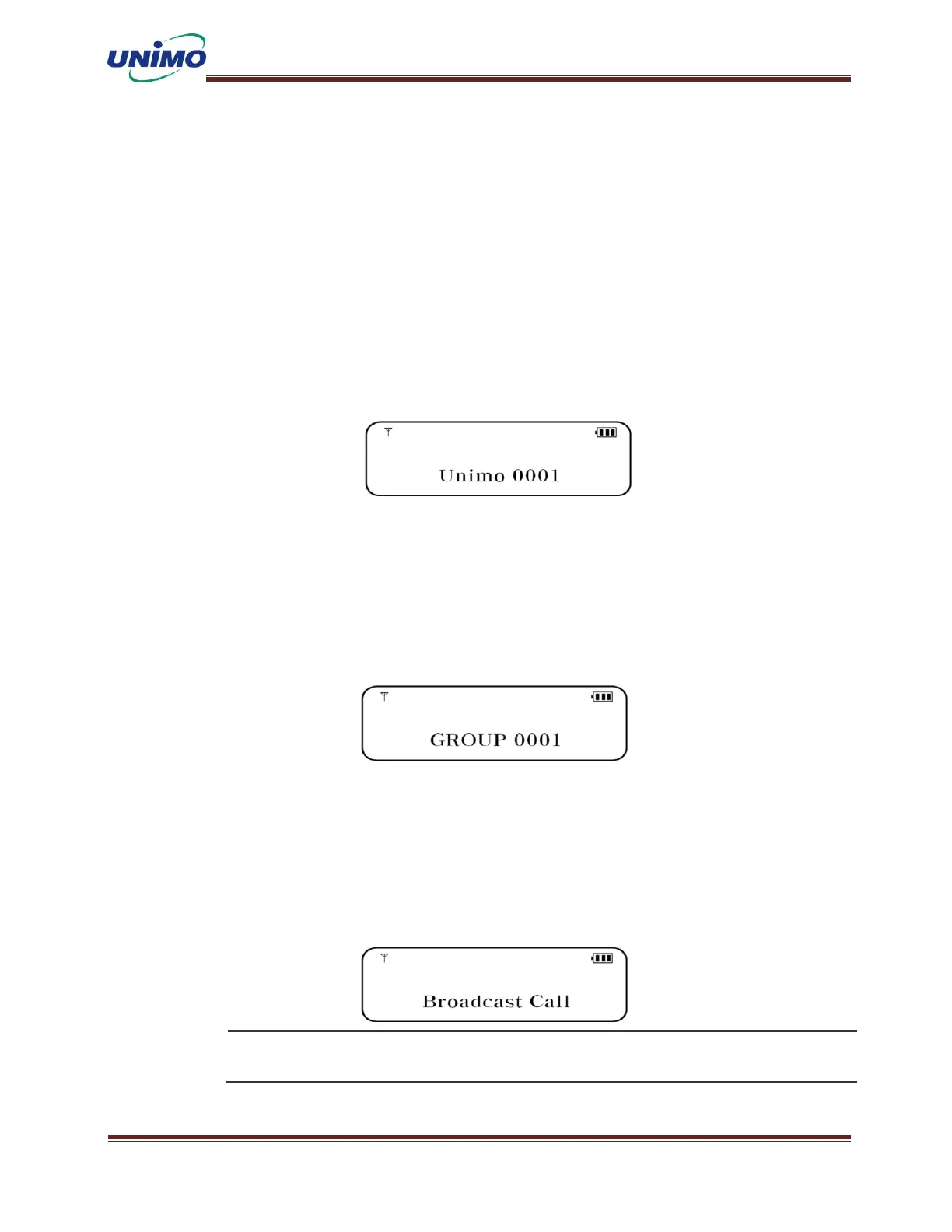
Individual call
If you select the transmission destination by individual ID, one-to-one communication is pe
rformed with the terminal with the correct ID.
To set up, simply select the individual ID you want to send from the contacts in the menu.
Or, you can select it with a channel switch (when set in the CPS program)
The receiver receives if the received ID is the same as MY ID (the received ID is the other
party's radio ID).(Need to be confirmed))
Group Call
If you select the transmission destination by group ID, you will make a call with the termi
nals included in the corresponding group. To set up, simply select the Group ID you want to
send from the contacts in the menu.The receiver receives if the received group ID matches
my group list.
All Calls
If you select the transmission destination as All IDs, calls will be made to all terminals.
To set up, simply select the full call ID you want to send from the contacts in the menu.
All receivers on the same frequency will receive.
All calls must match the color code set for the frequency



 To Next Page