UBio-X Face Premium User Guide 84
UNIONCOMMUNITY Co., Ltd.
Address: 12F, Munjeong Daemyeong Valeon bldg, 127 Beobwon-ro Songpa-gu,
Seoul, Korea (zip code: 05836)
Tel : 02-6488-3000 , Fax : 02-6488-3099, E-Mail :sales@unioncomm.co.kr
http://www.unioncomm.co.kr
- Picture: The image log data is saved in the folder ‘UbioXfacePremium / Terminal ID (8
digits) / log / pictures’ in USB as jpg file.
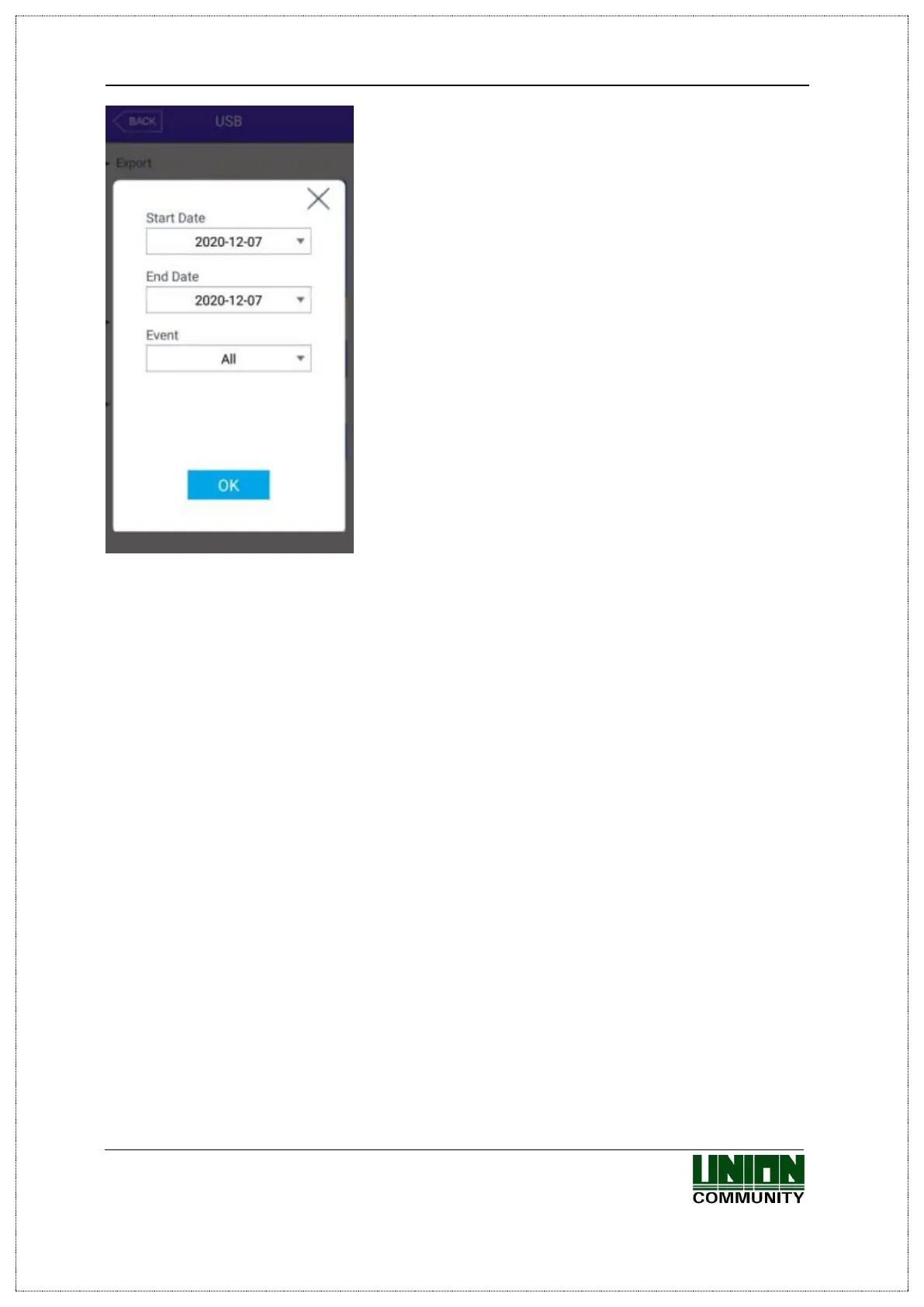
- Export all: It can export all things User Data, Event Log, and image log to USB.
▶ Import
It copies the data from the USB to the terminal.
- User Data: It copies the user DB from the USB to the folder ‘unisuser’ in the terminal.
- System Option: The option setting value of the terminal is copied to the folder
‘UbioXfacePremium / config’ in the terminal.
After importing the data, you should reboot the terminal to apply the new DB or setting
value.
▶ Others
- Theme: The voice file in the ‘UbioXfacePremium/audio’ folder in the USB is copied to
the terminal.
If you want to replace the authentication success (user_ok.mp3) and the
authentication fail (user_fail.mp3) message with the user voice, set the name of
the user voice file as (user_ok.mp3), (user_fail.mp3) respectively which the
user voice will play.
And also the checkbox ‘User Voice’ on ‘3.7.1. Sound’ should be checked.
- F/W upgrade: It upgrades the firmware via USB.
(The firmware should be in the ‘UbioXfacePremium’ folder in USB)
If you want to finish working and move to the upper menu, click the [OK] or [BACK]
button.


 To Next Page
 Loading...