EN
Charging Lights in the Case
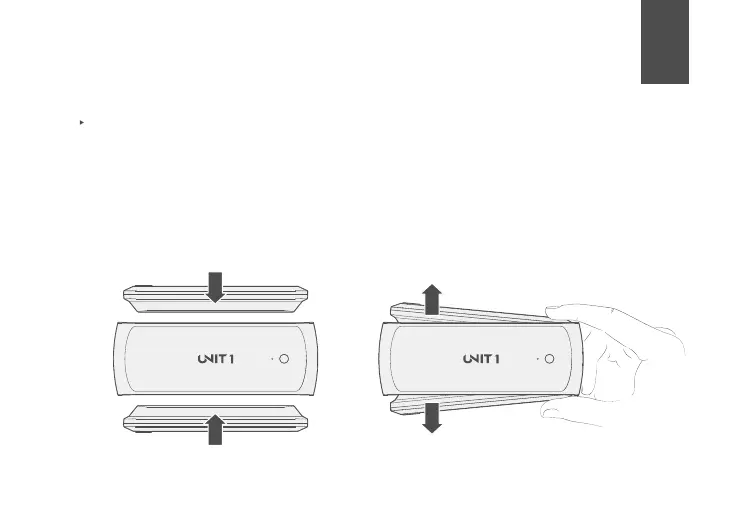
To charge the Smart Lights in the Charging Case, position each light in either dock, making sure
the pins on the Smart Light are aligned with the pins on the Charging Case (the magnets will pull
the Smart Light into position when aligned correctly). To remove the Smart Lights, firmly press
the Smart Lights together, exposing the other end of each Smart Light. Upon removal, the Smart
Lights will display their battery level once.
To Charge
To Remove
12



 To Next Page