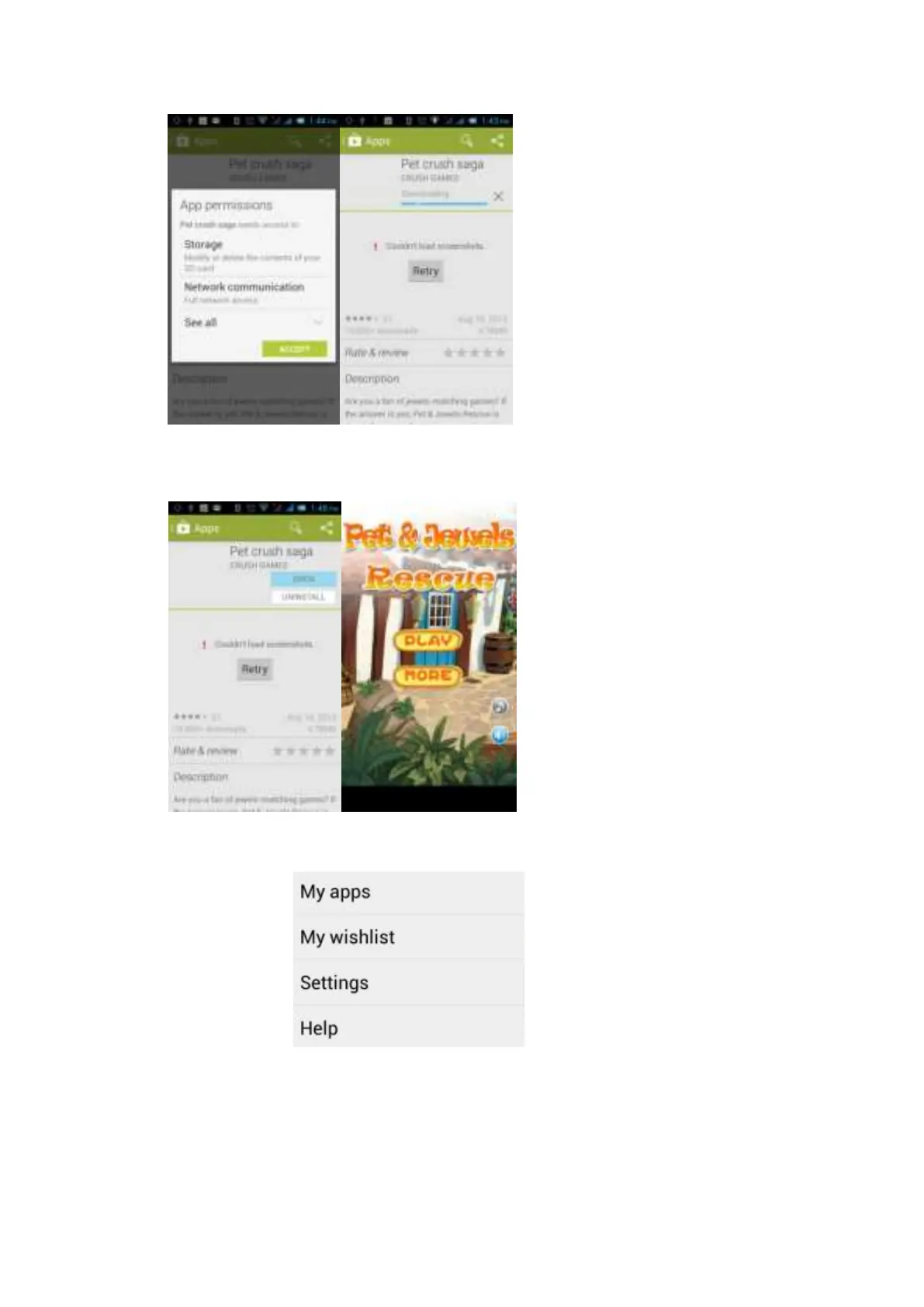
Click “Open” for the usage of the newly downloaded software after the completion of download:
Click Menu on the home page of the Play Store and the following Menu will pop up:
Select “My Applications” to view your “Installed Applications” and “All Applications” and reset your account,
notification, automatic update application, password and so on:



 To Next Page