12
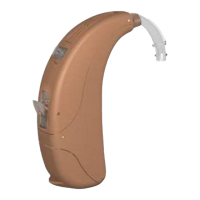
control lever up to increase the volume and pressing the
volume control lever down to decrease the volume. Note
that your volume control may be disabled by your
hearing healthcare professional and, therefore, could be
inactive.
As you change the volume level, your hearing
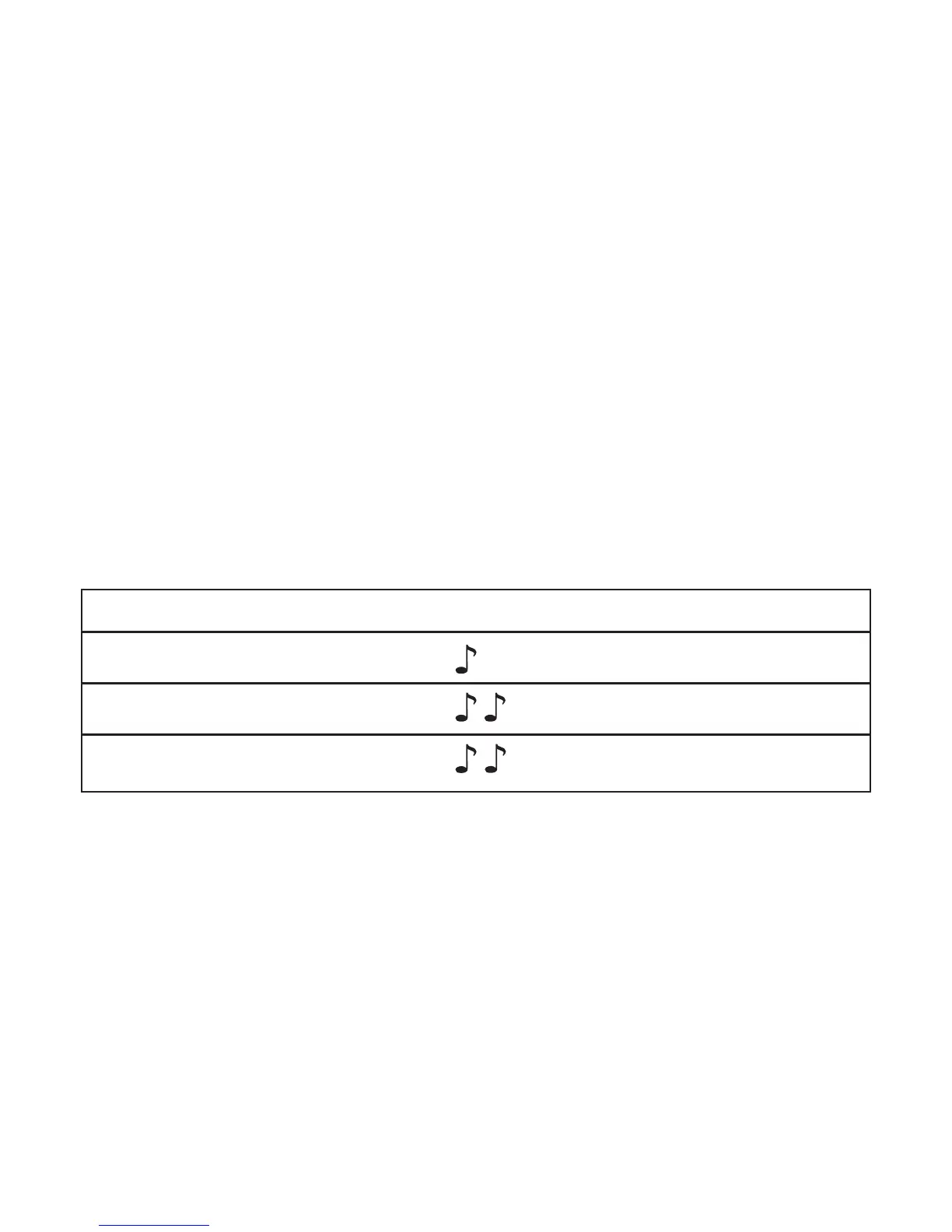
instruments will beep. Please refer to the chart below to
learn more about the different volume beeps.
Your hearing healthcare professional can help you
identify your different volume control settings. If you
prefer, your hearing healthcare professional can adjust
the pitch and loudness of the volume control beeps or
turn them off entirely.
Listening in Windy Environments
(Available on 360+ only)
360’s wind noise manager will engage automatically
based on whether wind conditions are moderate or high.
When the wind noise manager is engaged, sounds such
as speech, may become quieter because the wind noise
manager is working to reduce the loud noise produced
by wind. When you are no longer in a windy
Volume Setting Beep
Ideal volume level 1 beep
Maximum volume level 2 beeps
Minimum volume level 2 beeps




 To Next Page