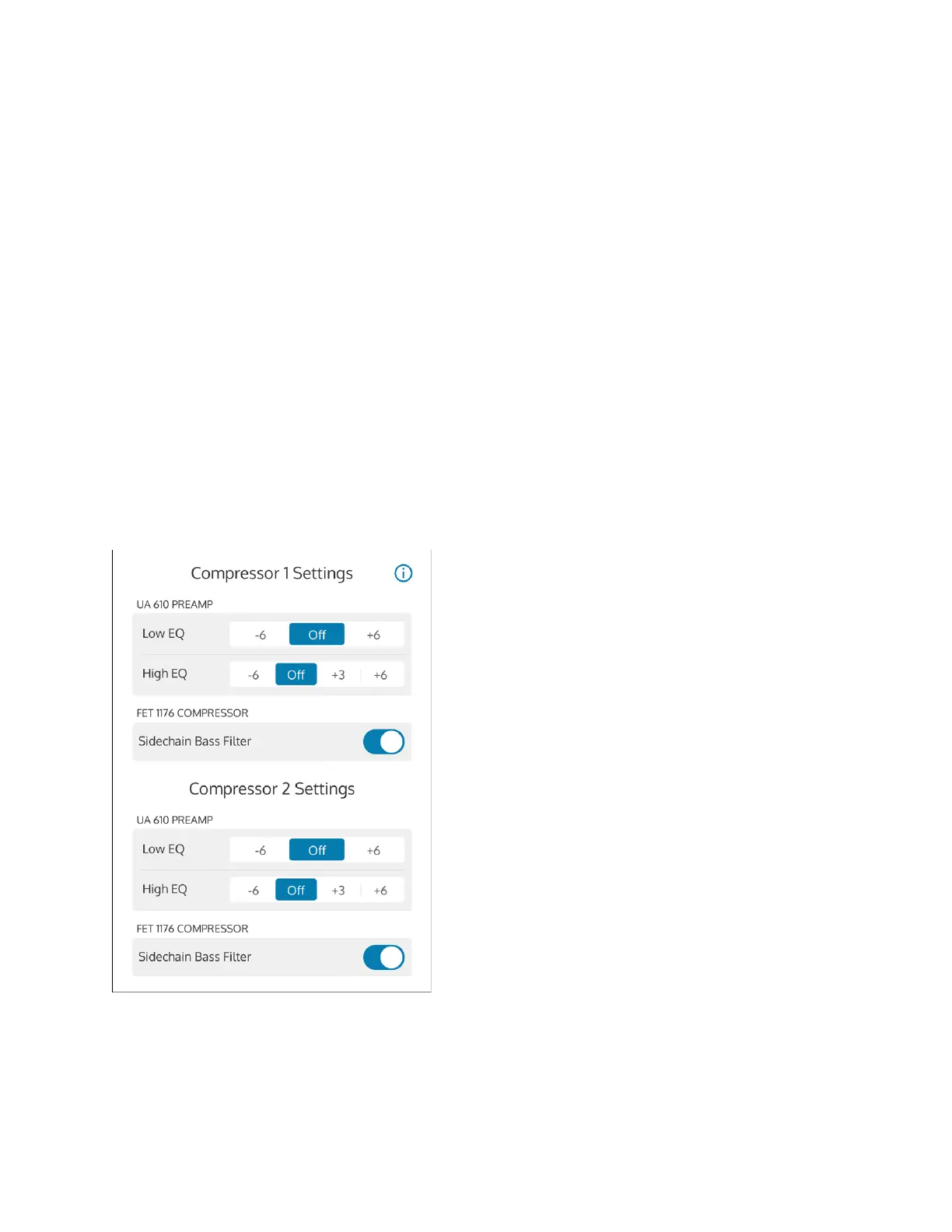
Sidechain Bass Filter
The sidechain bass filter removes low-frequency content from the
compressor’s control sidechain. This filter reduces FET 1176 compression and
“pumping” on bass-heavy audio signals, without reducing the bass content of
the audio signal itself.
TO ENABLE EQ AND SIDECHAIN SETTINGS
Under Compressor 1 or Compressor 2 Settings, tap the EQ setting you want
to configure for each preamp. Set the EQs to Off to disable EQ for a
preamp.
To enable/disable the sidechain bass filter for the FET 1176, under
Compressor 1 or Compressor 2, tap the Sidechain Bass Filter control to toggle
the setting. The sidechain filter is enabled when it is highlighted blue.



 To Next Page