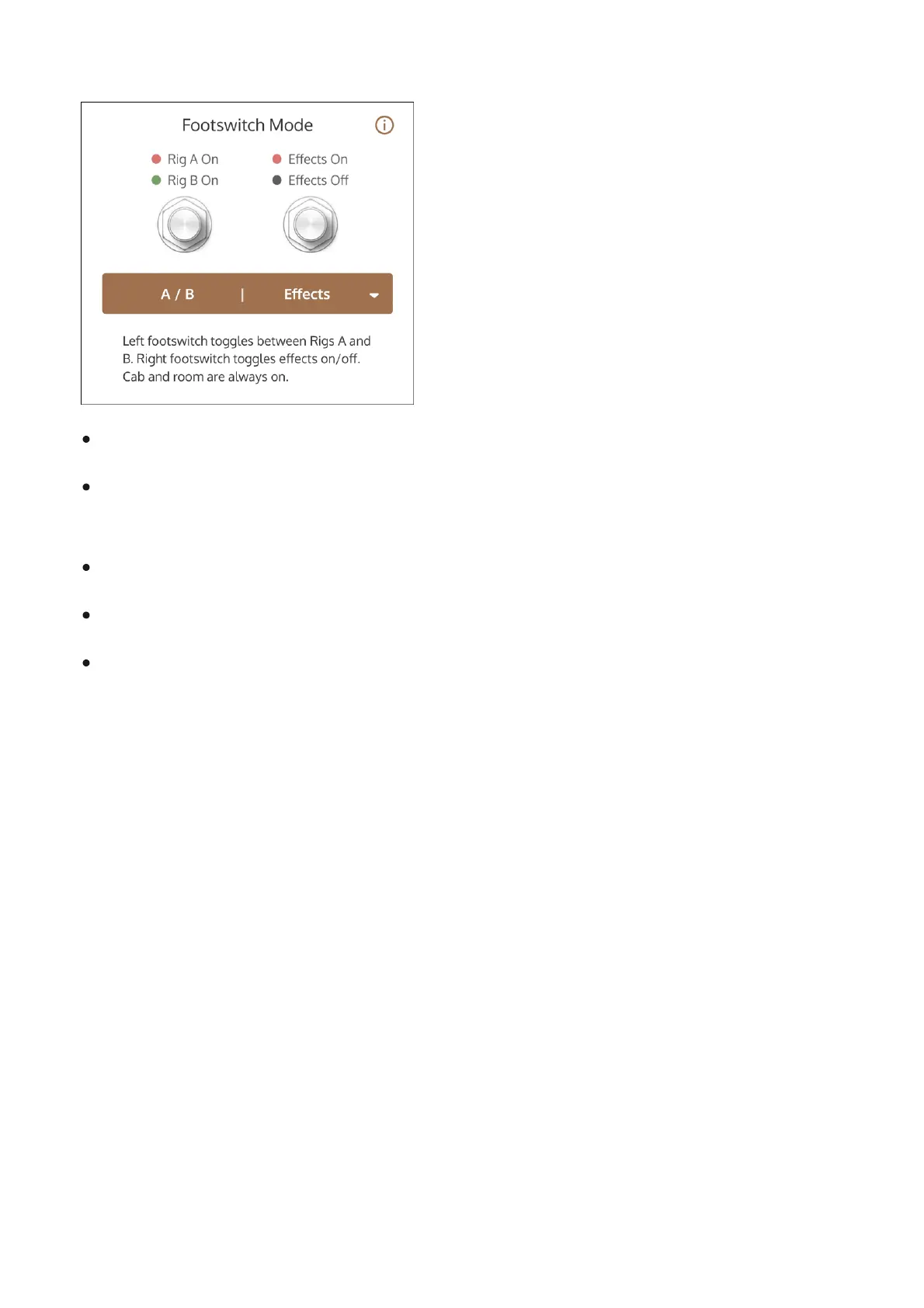
A / B | Effects
Left Footswitch toggles Between Rig A or Rig B
Right Footswitch toggles Reverb and Delay effect states (if Reverb/Delay are currently off,
they are toggled on, and vice versa)
Right footswitch LED indicates Reverb status
OX Stomp cannot be bypassed; one of the two Rigs is always active
Even if Reverb/Delay are not active in the saved Rig, they can be toggled on and off with the
footswitch. Note that if one effect is enabled and the other isn't, the footswitch toggles both
effects, so the disabled effect is enabled, and the enabled effect is disabled
Tip: To toggle reverb and delay on and off with this setting, save the Rigs that you want to
assign to footswitches A and B with both reverb and delay switched off or switched on. This
allows you to switch both effects on or off with the right footswitch. To switch just reverb or
delay on or off with the footswitch, use the A/B | Reverb or A/B | Delay footswitch mode.
Assigning Rigs
Different Rigs can be assigned to the Rig knob positions so they can be accessed from the Rig
knob or footswitches on the pedal hardware.



 To Next Page