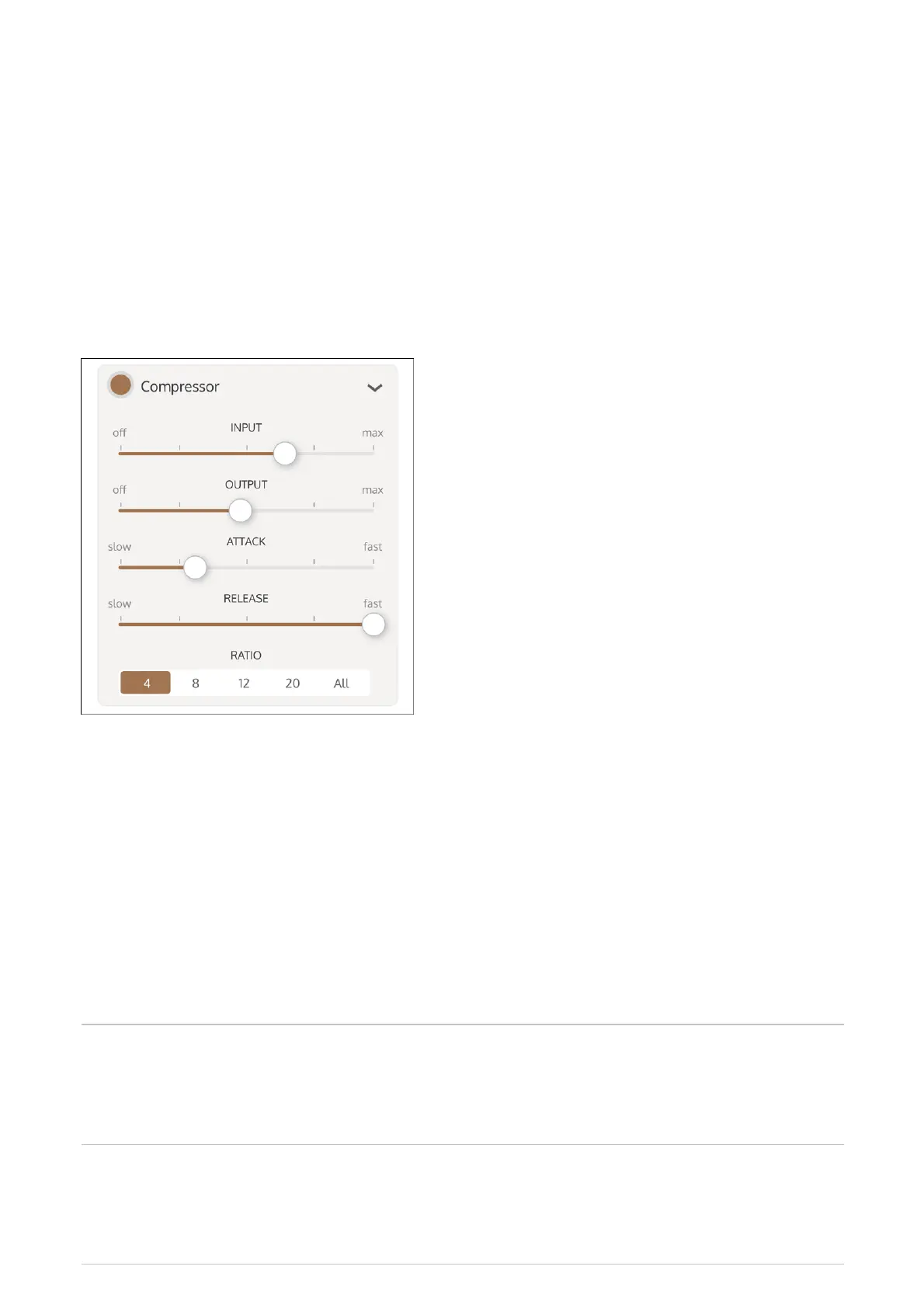
Enable the 1176 compressor on the overall Rig to smooth out the sound or to add an aggressive
edge.
Enable and adjust delay
Enable Delay to add delays, chorus, or flanging to the overall Rig. The delay types are described
below.
Delay Type Description
Dual The recirculated signal is routed from the output of the delay line to the
input of the same delay line. This creates two entirely separate stereo delay
lines.
Crossover The recirculated signal is routed from the output of the delay line to the
input of the opposite delay line. This creates a stereo delay that crosses
over from one output to the other input.
Enable or disable the Compressor by highlighting or clearing the Compressor button.
1
Tap the selection triangle at the right of the Compressor label to open the master
compressor settings.
2
Adjust the settings for Input, Output, Attack, and Release with the sliders.
3
Set the Ratio by tapping the ratio.
4



 To Next Page