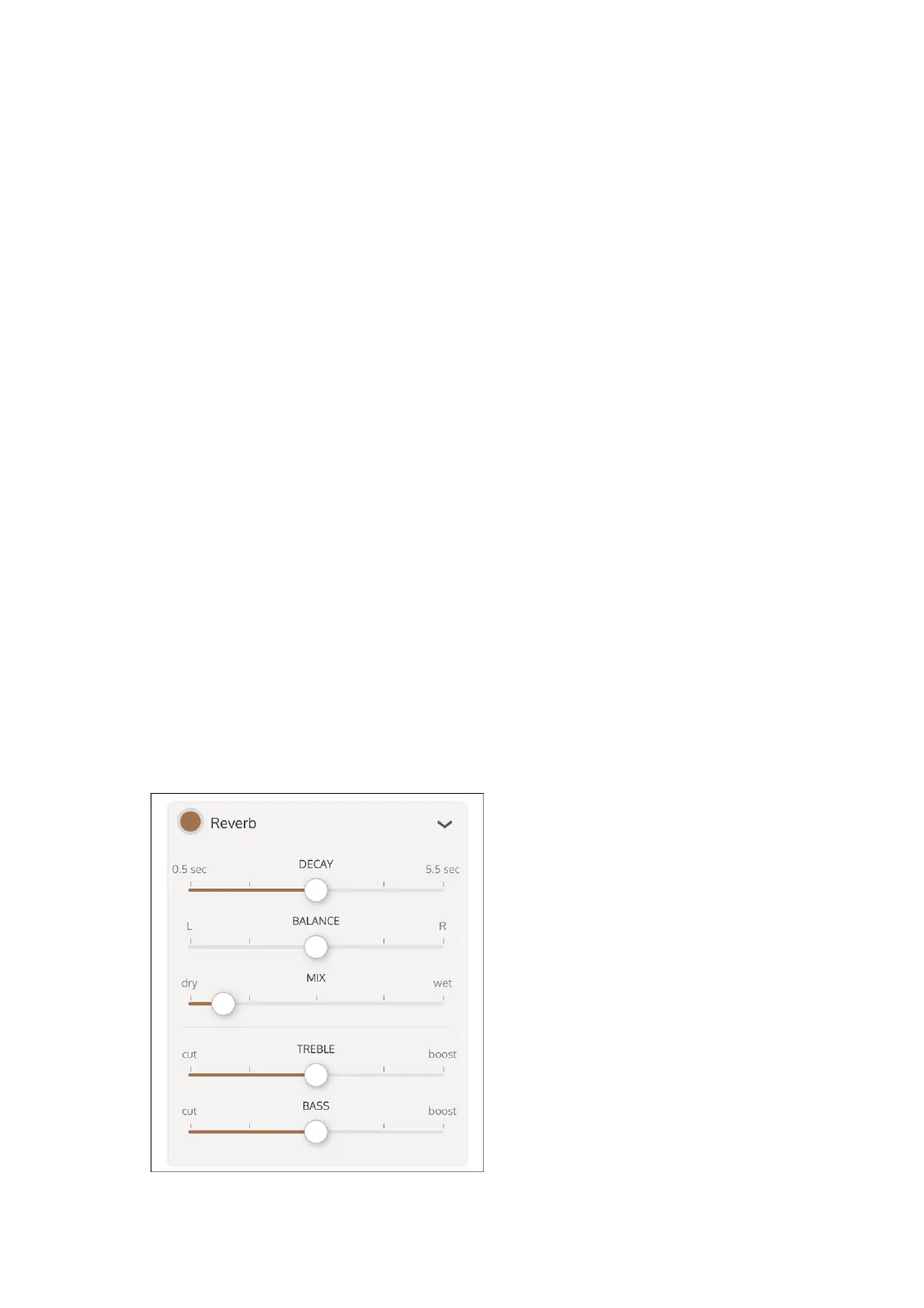
Enable and adjust reverb
Enable Reverb to add plate reverb to the overall Rig.
Adjust the sliders to configure the delay times. To adjust the delay times separately,
deselect Link Delay Times. Note that if you adjust delay times separately, then select
Link Delay Times, the delay times are adjusted relatively.
4
Adjust the feedback amount with the Feedback slider. Positive feedback amounts are
typical for delays. Negative feedback can give more interesting results with choruses
and flangers.
5
Adjust the mix level with the Mix slider. Note that when set fully Wet, you hear only the
delayed signal. For chorus and flanger settings, set the mix around 50% for optimum
results.
6
Adjust the Mod Rate and Mod Depth to add modulation to the delayed signal (required
for Chorus and Flanger effects).
7
Enable or disable the reverb by highlighting or clearing the Reverb button.
1
Tap the selection triangle at the right of the Reverb button to open the master reverb
settings.
2
Adjust the sliders to configure the reverb decay, balance and mix.3



 To Next Page