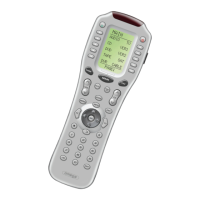
The display will show a list of the first five devices.
Select the device you would like to teach commands to by pressing
the Device button.
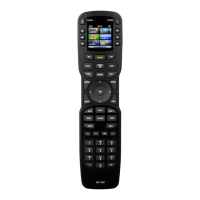
Now, press any button you want to teach a command to.
Note: If you don’t see the display button you would like to teach, use the
PAGE buttons. The only buttons you can’t teach are the PAGE and MAIN but-
tons.
Once you press a button, the top of the display will change from
“LEARN” to “READY”.
10
The Osiris
4
5
6
Press any
of the
Device
Buttons.
Press
any
Button.









 To Next Page