24
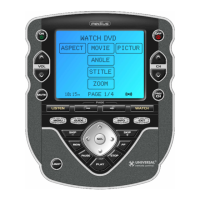
Navigate to any page, using the MAIN, DEVICE, FAV, and PAGE but-
tons.
When you select a page, the top of the screen
indicates whether you want to “ADD?” or “HIDE?” the page dis-
played. When you would like to change a page’s visibility, press the
LIGHT button.
You can continue to ADD or HIDE pages on other devices by repeat-
ing Steps 4 and 5.
When you are finished adding and hiding pages, press the MAIN but-
ton four times to return to normal operation.
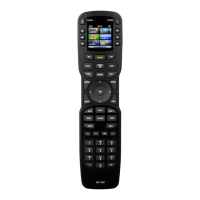
The Osiris
4
5
6
7
This page is hidden.
To ADD it, press the
LIGHT button.
This page is visible.
To HIDE it, press the
LIGHT button.
MAIN
Button
DEVICE
Buttons
PAGE
Buttons
FAV
Button






 To Next Page