6
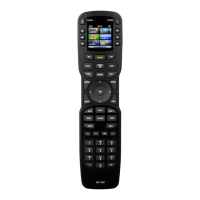
Press the P-PRO button to select the Pre-Programmed Method.
The display changes so that you can select which Device button to
setup.
In this step you choose the name of the device you’d like to setup.
Use the cursor UP or DOWN buttons to change the flashing name.
When it is correct, press the SELECT button.
For Example: I wanted to setup the TV Device button first, so I pressed the
cursor UP or DOWN until “TV” was flashing in the display.
The bottom of the display will flash “FROM TABLE”.
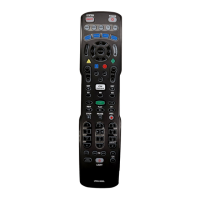
P-PRO
Button
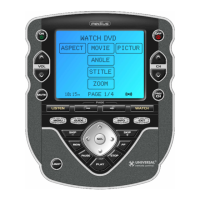
The Osiris
4
5
UP
SELECT
DOWN
Press a Page button to display the
other five Device names.
First
Five
Device
Names




 To Next Page