9
1. Select the Users tab on your
Dashboard.
2. Select “Add Employee.”
3. Add the user’s rst and
last name, then optionally
ll in all of the employee’s
information.
4. Select:
a. “Save and Continue” to set
up the employee’s prole.
b. “Save and Close” to move
on to the next steps.
You can add more details by going back to that user’s prole at any time.
05
ADDING USERS
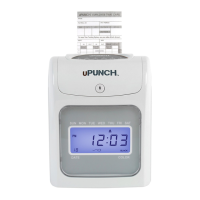
The uPunch time clock tracks hours worked per day and pay period for up to 50
employees. Complete the following steps to add employees to your account:


 To Next Page
 Loading...