1
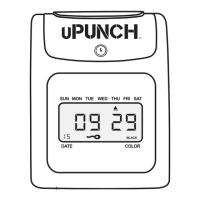
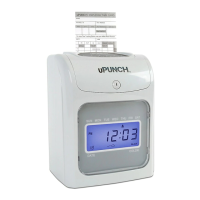
Thank you for purchasing the HN Series Auto-Align
time clock, part of the uPunch system by Workwell
Technologies.
Setting up your uPunch Time Clock and cloud
account can be completed in just 4 easy steps.
First, we’ll begin in the Cloud, then we’ll nish with
the Time Clock.
Once you’ve completed the following steps, your
employees will be ready to use the time clock.
1. Create Your Account
2. Add Departments and Employees
3. Set up the Date and Time
4. Set up Your Pay Period
01
CREATE YOUR
ACCOUNT
SET UP THE
DATE AND TIME
SET UP YOUR
PAY PERIOD
ADD DEPARTMENTS
AND USERS
INTRODUCTION


 To Next Page
 Loading...