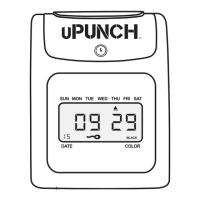
QUESTIONS? Watch our helpful videos at upunch.com/resources
CREATING YOUR uPUNCH ACCOUNT
1. Go to: www.trackmypunch.com/signup
2. Enter the Dealer ID and Device ID,
then click Next.
The Dealer ID can be found on the back cover
of this manual. The Device ID can be found on
the back cover of this manual and on the clock
itself. If either number is missing, please contact
Customer Support at
support@trackmypunch.com or 1-800-518-8925.


 To Next Page
 Loading...