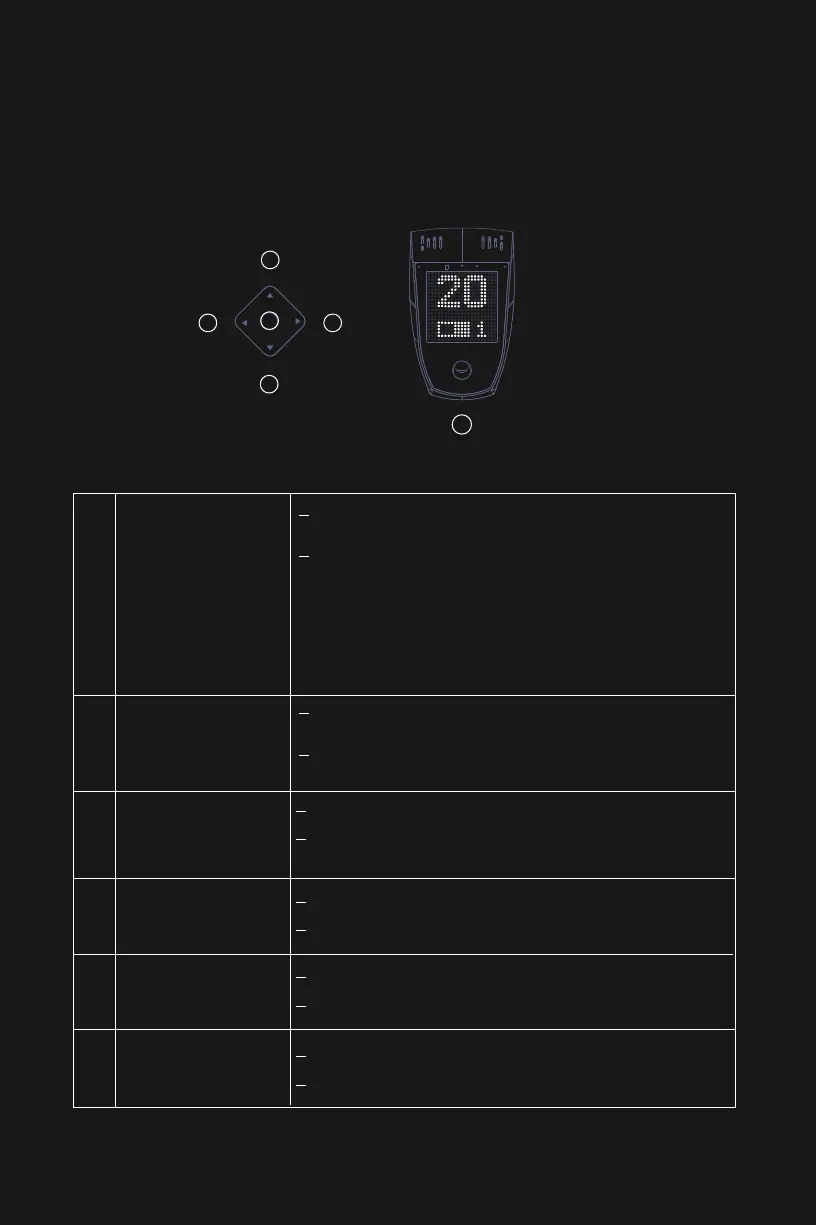
Smartbar Basics
Fingerprint button
Short press: Enter fingerprints, 6 successful entries will
complete the fingerprint recording.
Long press: 1)
2)
If fingerprints have been recorded, the
fingerprint owner can turn on the bike by
long-pressing the button.
If fingerprints have not been recorded,
anyone can turn on the bike by
long-pressing the button.
Short press: In the On state, short press to sound the
bike horn
Long press: In the On state, long press to start voice
recognition
Control pad- Round key
Short press: Increase the assist level
Long press: Enter Turbo mode (short press the Up or
Down key to exit Turbo mode)
Control pad - Up key
Short press: Decrease the assist level
Long press: Enter Safety mode alert
Control pad - Down key
Short press:
Long press: Turn on/off the lights
Long press:
Hold to enter the Walk mode, release to exit.
Control pad - Left key
Short press: Switch the screen display to the right
Switch the screen display to the left
Control pad - Right key
1
2
3
4
5
6
1
2
3
4
5 6
USE YOUR BIKE
23


 To Next Page
 Loading...