Page 14
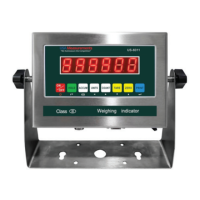
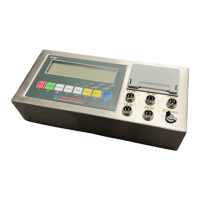
INDICATOR PARAMETER SETTINGS
The parameter settings menu has a calibration section (C01 to C07 explained above) and a
parameter settings section (C08 and up). To access the calibration section the seal switch
(located at one corner of the PCB) must be OFF. This will allow access to all C01 and up
settings. If the seal switch is ON, then only C08 and up can be accessed by the user. If you
break the ocial seal by opening the back of the indicator to access the seal switch, you may
need to have the indicator recertied. Be sure to adjust the seal switch back to the original
setting after calibration/conguration has been performed.
To enter calibration/parameter settings, follow the procedure below:
1. Make sure the unit is set to either kg or lb
2. Press and hold the HOLD and PRINT key at the same time for 2 seconds
3. Navigate through the settings (C01 to C45) as shown in the table 4 below by using the
arrow buttons and return buttons as labeled under each indicator key
4. Press the PRINT button to enter/edit the parameter setting Press the ACCUM key to
save and exit settings at any time.
Table 1. Indicator Parameter Settings
Function Parameter Settings/Options
Weighing Unit C01 0 = kg
1 = lb
2 = gram 3 = oz
Note: for calibration only kg or lb are
allowed
Decimal Setting C02 0 = no decimal 1 = 0.0
2 = 0.00
3 = 0.000
4 = 0.0000
Graduation Setting (readability
of the least signicant digit)
C03 options: 1/2/4/10/20/50
Example with no decimal places (ie. C02=0)
1= 1 lb
2= 2 lb
5 = 5 lb
10 = 10 lb
20 = 20 lb
50 = 50 lb
Maximum Capacity C04 set max capacity ex. 100kg = 0100.00
Zero Calibration C05 0 = zero calibration not needed
1 = set the zero calibration (Please ensure
scale is empty and the stable light is on)



 To Next Page
 Loading...