43
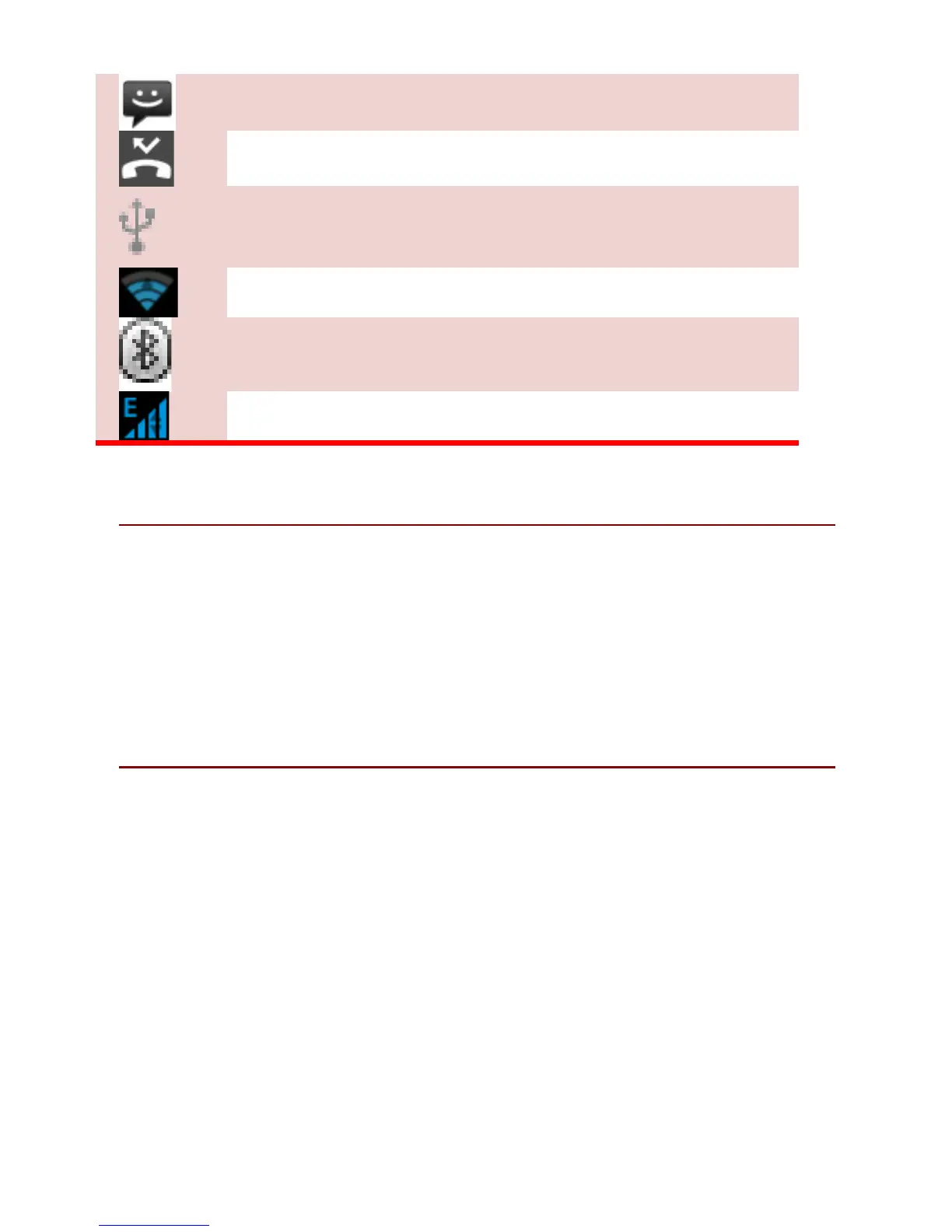
New short message
Missed call notification
USB connected
Wi-Fi is connected.
Bluetooth is activated
GPRS network is in use.
4. 2 AP PL IC A T I O N TA B
Tap Application Drawer to access applications and settings of
the device. The Application tab enables you to access the
Main Menu and choose among the various utilities / features
available in the device.
4. 3 C US TO MI Z I NG S CR EE N
The device features a touch screen with active displays and
access to utilities at just one-touch. So swipe right or left to
navigate through various screens accessing your favorite
features without entering the main menu. Each screen can be
customized by adding various widgets, shortcuts and folders.
Shortcuts
In order to add a shortcut on the screen: Long press on the
desired application to add on the screen.



 To Next Page