— 05 —
Charging your Jump Starter
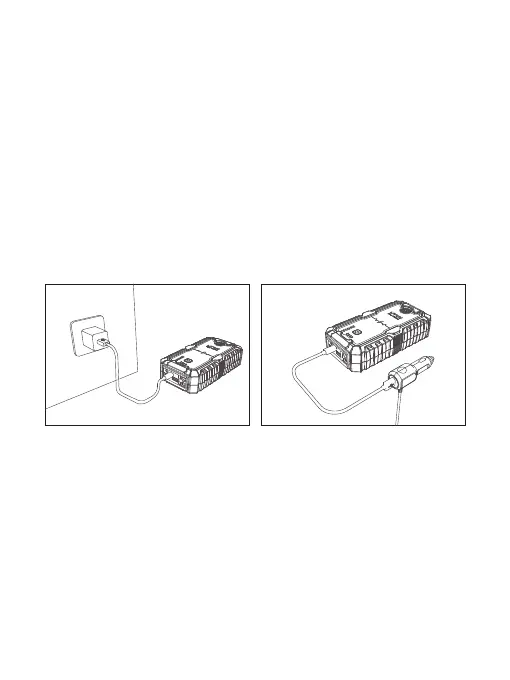
• At Home :
1. Plug the USB cable into computer or any USB 2A wall adaptor (not included).
2. Connect the Type-C port into the Jump Starter.
• In Car :
1. Plug the car adaptor (not included) into the socket.
2. Connect the Type-C port into the Jump Starter.
NOTE: It is recommended to recharge the Jump Starter every 3-4 months to
maintain the efficiency and prolong the service life of the internal battery even if
the unit has not been used.
Charging your Smart Phones or any other Devices
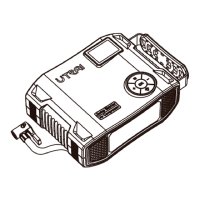
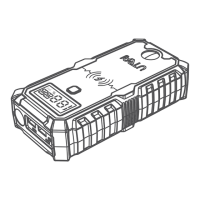
Your Jump Starter comes with two USB charging ports and one Type-C charging
ports located at the front of the unit:
• Plug the USB cable or Type-C cable into the USB output ports or Type-C
output port on your Jump Starter.
• Connect it to your phone, tablet or other devices you want to charge. You can
charge 3 devices at the same time.
• Power on your Jump Starter to start charging!


 To Next Page