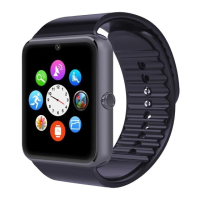
Bhetooth Watch IⅡ
str!ct⒗ 口s
Thank you forohoosmg our BT PHONE dcv忆 cs You can read the
manuaI,a oomprehensivc undcrstandlng° fthc uso of cquIpmcIlt,血 fao1
wlth a tastc ofthc f逦 ction and smple method ofoperatlon
ThLs devlcc ls used as⒗
吧
as the brand ofInteⅢ
geilt machltlcs arc
adaptcd to usc mteuIgcIlt machlncs can sync岫m⒛
phoncbook and
providcs a varlcty of use血
l fcamrcs and senIccs to fac碴 itatc your wOrk
and leis"e actlV“ ies h the snla"machho opcratIon
犰comany reserves thc nght to makc any pnor no廿cc h thc
oase of the contcnts of thls nlanuaI for thc ight to atoend,without
Frst,opcn tbc Bluct∞ 由 feahrc On yo"smaⅡ phonc,scarCh BT
PHONE EquVlnCnt叮 WATCH⒉
and∞mle¢
,BT pHt,NE wm
prompt"柑
(C。
llilccted)"whl△
曲ere wⅢ be a standby lntcrfacc"n‘
t
⒗
oⅡ
mdlcates a suc∞ ssm∞nilcc刂l,n has bOeIl yo刂 smaiphone,
comeGt aner the suocess you oan foⅡ ow thc n,stmo伍 olls bclow BT
pHOllE operatlOIls∶
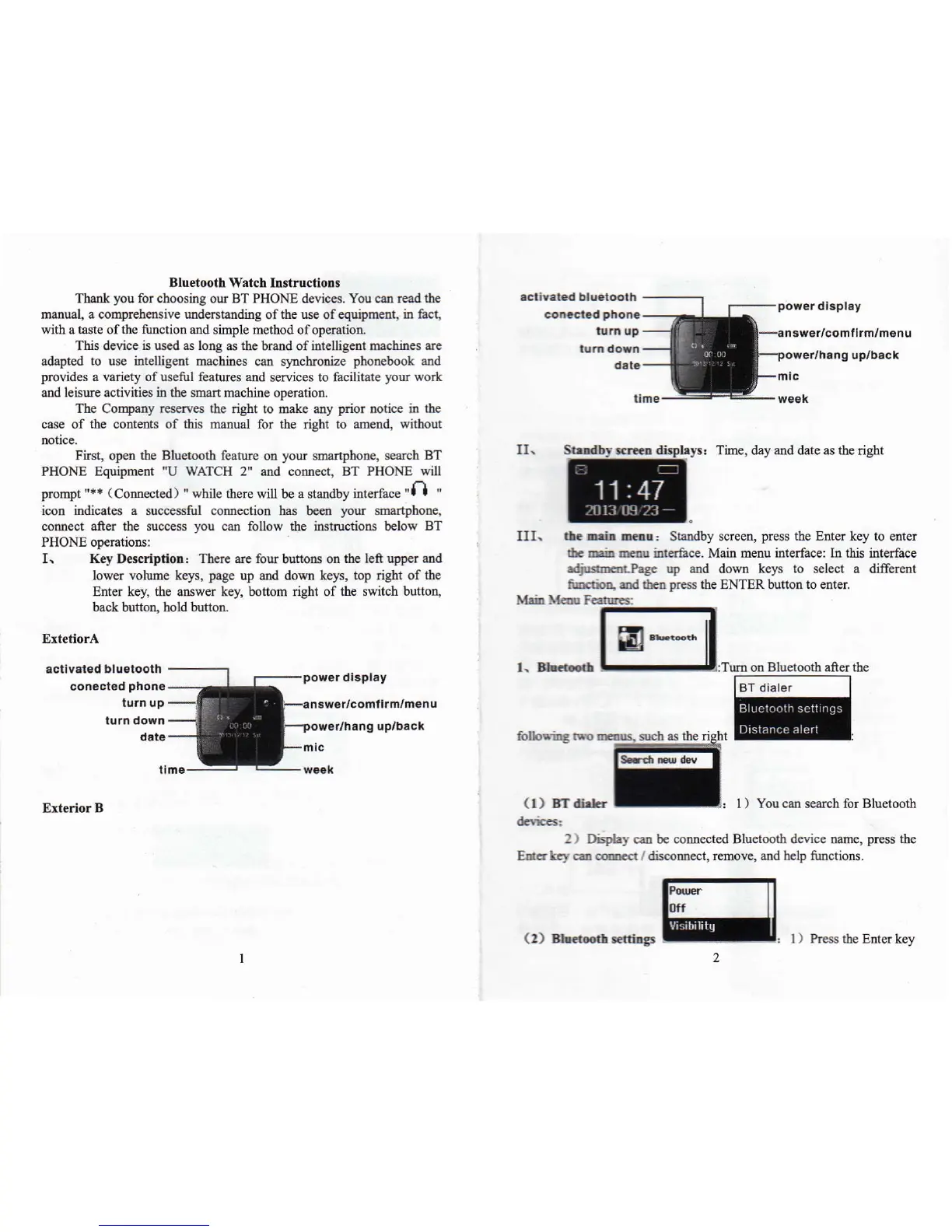
I、 Key DescnptoⅡ :There arc fo"buttons on tbc lca upper and
⒗wcr v【 ,lume kcys,pagc up and down kcys,top ngbt of thc
Enter kc,,the answer key bo仗 om⒒
ght of tbc sw⒒ ch bu“ on,
back buuon,ho⒙ button
EXtetiorA
smd0。
Cˉ。山
中
hys:T蚰e,day and date as thc nght
I1I、 0●
-¨
△
: staadby sGrccn,prcss thc E"cr kcy to ontcr
do IIoIn rIIu mtcacc Ma血 l11cllu interfacc∶ In thIs Interfacc
”
Page up a。 d dt,Wn kcys to sclect a dIrerem
咖
龃 kIl pressthe ENTER button to cnter
湘 汕
on Bluetoo曲 after the
(1冫
BT d"臼
山●r
-:
: 1)You oao search for Bluetoo曲
2)D,sphy caIl be∞ mcotod Bluctooth dcvlcc nainc,press Jlc
Er口
hγ
⑾ 。。md`dlsconnect,rcmovc,and hc”
iuncti。
Ⅱ
CoⅡ00tθ d
ρ
"°
no
iurn up
p°
”
θ
r d】
sρ
I日
ˇ
EX“dbr B
mll。
~0o灬
slrb asthc nght
(2> :-。
啷
: l)Press thc E"cr kcy



 To Next Page
 Loading...