2.3 Using the Clock screen
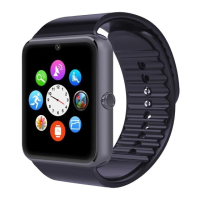
While using the Watch, press the Power button to open the Clock
screen.Then click the central of screen to change clock type.
Setup ways:
method 1:turn on,on the Clock screen,click the central of
screen to change clock type.,there are 3 types can be selected.
method 2:turn on,enter the menu :setup--phone setup--Standby
menu --Unlock type selection.
2.4 Theme Settings
Setting Method:
Go into the smart watch menu: themes-theme Settings-select your
theme


 To Next Page