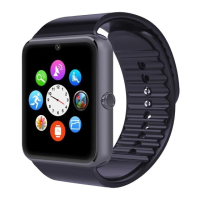
Thank you for choosing our sport healthy intelligent Bluetooth
watch. You can read this manual and fully understand how to use the
device, with a good experience of the functions and easy operation.
This equipment is mainly used brand of smart phones to be adapted
to use, you can synchronize the phone book smart phones and
provides a variety of useful features and services to facilitate your
work and leisure activities in the smart phones operation. This
device has the following features: support for Bluetooth phone.
Bluetooth message push (SMS, short message, QQ, etc., Need a
installation of Bluetooth notification APK on Android smart phone),
Bluetooth music player, calories, pedometer, sleep monitoring, anti-
lost, remote camera and so on.
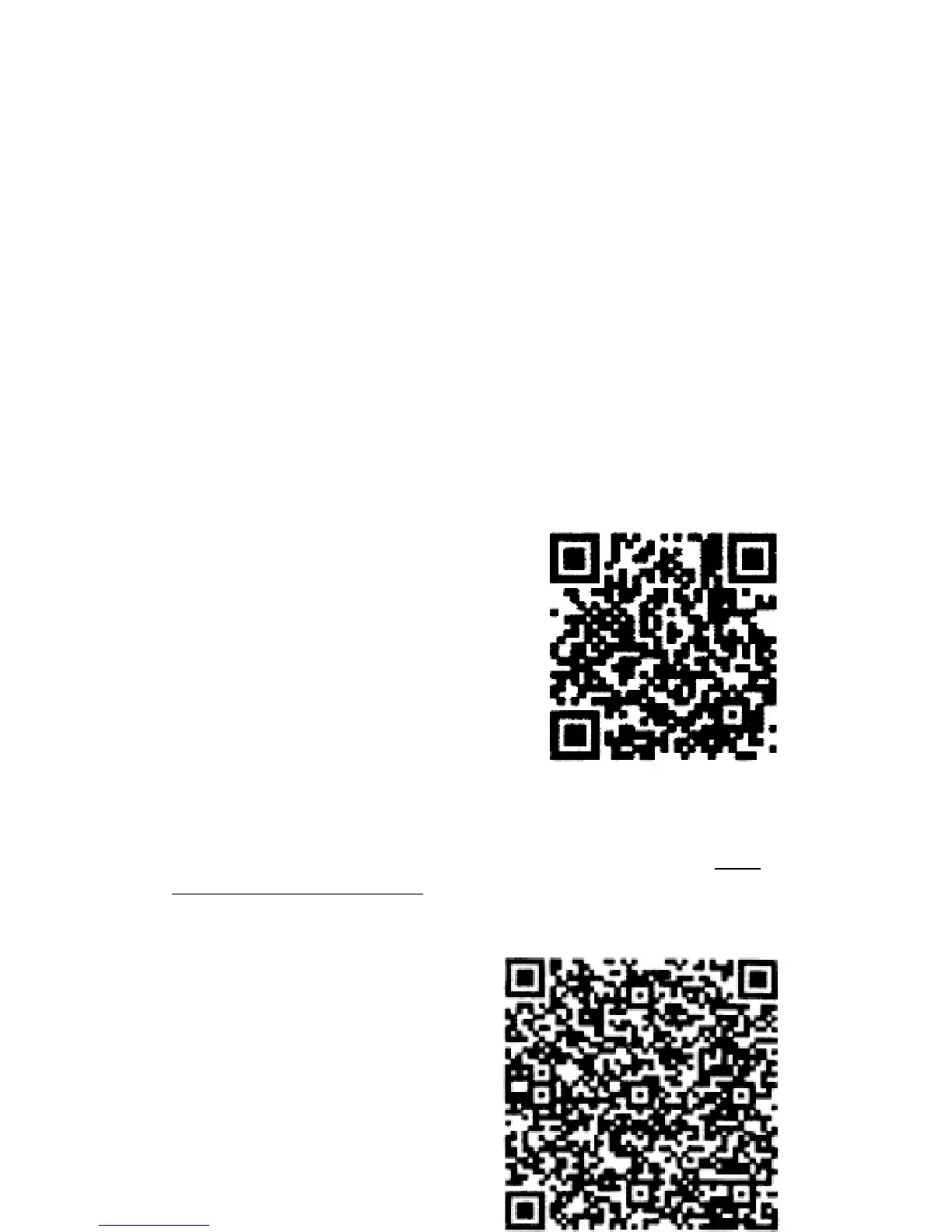
Before you start using this device, please install ‘BT notice’ APK on
your smart phone through scanning the QR code on the right,
(support Android version, Apple does not currently supported) and
you can use the Bluetooth connection.
Scan the QR code to install ‘BT notice’ application, or visit the
following link to download installation package by scanning: http:
//pan.baidu.com/s/lhqsuR7A, search ‘Bluetooth notice’ at Google
Play APP store to download and install it.



 To Next Page