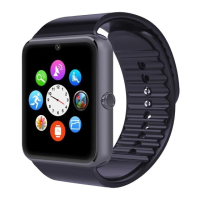
counting by using the button in the middle. On the right above
the screen is settings, it can adjust the parameters, reset or view
the records. The pedometer can run in the background.
To avoid false count, the watch will not show up the numbers
immediately after taking the initial steps for each user, but it
starts to display after a stable walk counting, the number of
previous steps is counted already.
* The Pedometer will clear the record of steps at one time
everyday, then restart counting and accumulating till next time
clearance. User can also clear the record by ‘reset’ button in the
option menu.
Settings the clock setting, The tone mode, volume, language,
display settings, view battery power, as well as Bluetooth
settings and restore the factory settings.
(4) Bluetooth smart watch can connect to a standard USB data cable.
To charge be battery through computer USB port or USB power
bank.
Note:
To reset the watch to default settings, please key in the initial
password “1122”.



 To Next Page