EasyManua.ls Logo

V-Moda Crossfade LP2 - Page 8

V-Moda Crossfade LP2
29 pages
Print Icon
To Next Page IconTo Next Page
To Previous Page IconTo Previous Page
Loading...
5
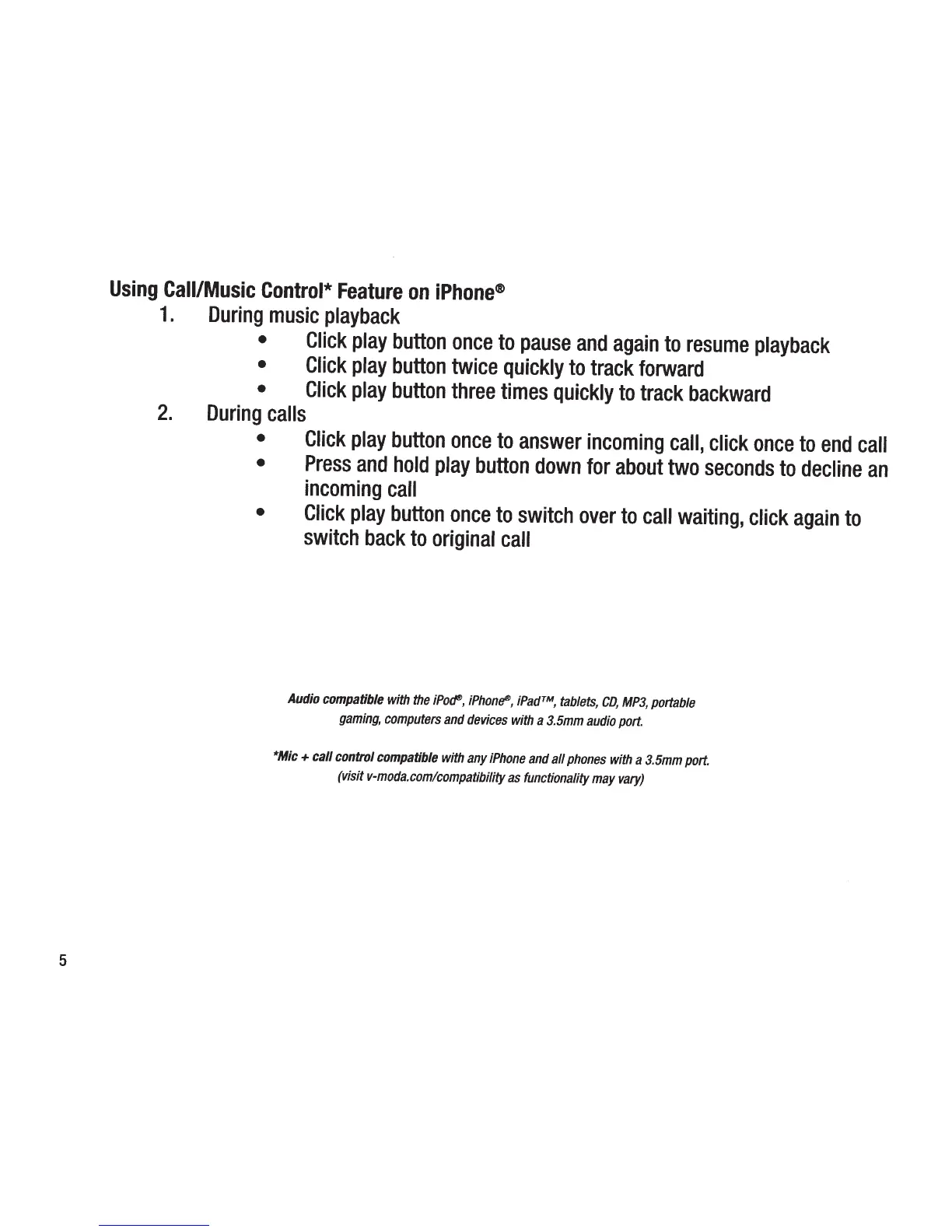
Using
Call/Music
Control*
Feature
on
iPhone®
1.
During
music
playback
Click
play
button
once
to
pause
and
again
to
resume
playback
Click
play
button
twice
quickly
to
track
forward
Click
play
button
three
times
quickly
to
track
backward
2.
During
calls
Click
play
button
once
to
answer
incoming
call,
click
once
to
end
call
Press
and
hold
play
button
down
for
about
two
seconds
to
decline
an
incoming
call
Click
play
button
once
to
switch
over
to
call
waiting,
click
again
to
switch
back
to
original
call
Audio
compatible
with
the
iPoc?,
iPhonf!D,
iPad™,
tablets,
CD,
MP3,
portable
gaming,
computers
and
devices
with
a
3.5mm
audio
port.
*Mic
+
call control
compatible
with
any
iPhone
and
all
phones
with
a
3.5mm
port.
(visit
v-moda.comlcompatibility
as
functionality
may
vary)

Related product manuals