verza manual v1.0 9
Charging the Built-in Battery of VERZA
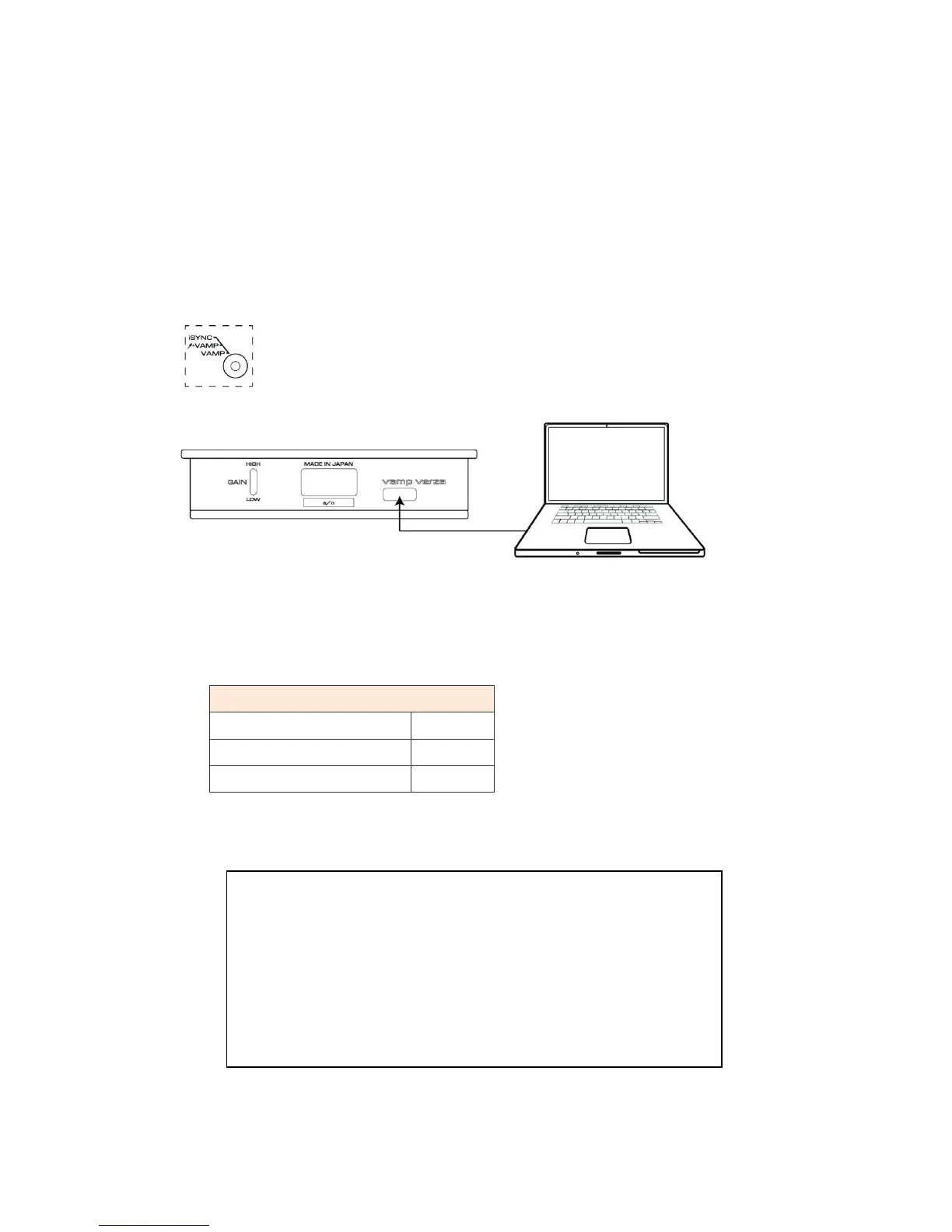
The built-in battery of VERZA can be charged by connecting the USB port A connector of a computer with the
USB micro B connector at the bottom of VERZA using the supplied USB to micro USB cable and by switching
the toggle switch (2) on the front panel to "AMP" or "Ϟ +VAMP" mode.
* When the built-in battery of VERZA has been fully charged, VERZA automatically starts charging
iPod/iPhone.
It takes approximately 5 hours to fully charge VERZA.
It is also possible to charge VERZA by using the Apple
USB charging adapter supplied with iPod/iPhone.
Display of charging status indicator
Pre charge (pre charging)
Complete:(charging completed)
○ : Orange ● : Green
* The CHARGE LEDs turn off when USB cable is disconnected.
CAUTION
・Do not keep charging for a long period of time. Always disconnect the USB cable
each time charging is completed.
・If both LEDs are off or become off when the USB cable is connected, immediately
disconnect the USB cable and stop charging.
・The battery has a life duration. The usable duration will become shorter due to
aging degradation.


 To Next Page
 Loading...