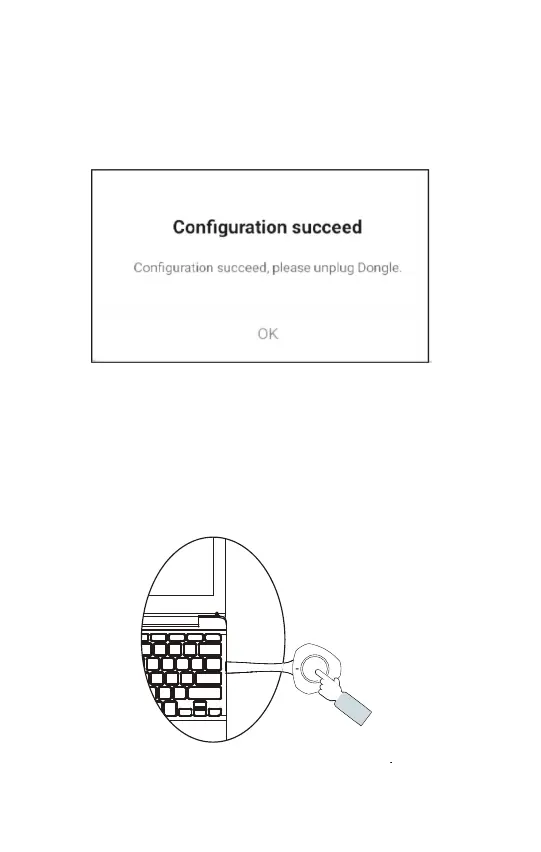
3. Insert UCWDA dongle into IFP - Light on dongle will ash -
Remove dongle when Conguration Succeed displays,
light on Dongle will turn blue.
4. Unplug Dongle from IFP and insert into USB-C port on device
Light on Dongle will turn white. Press the button to start sharing -
Dongle light will turn green. Press button again to disconnect.
Computer



 To Next Page