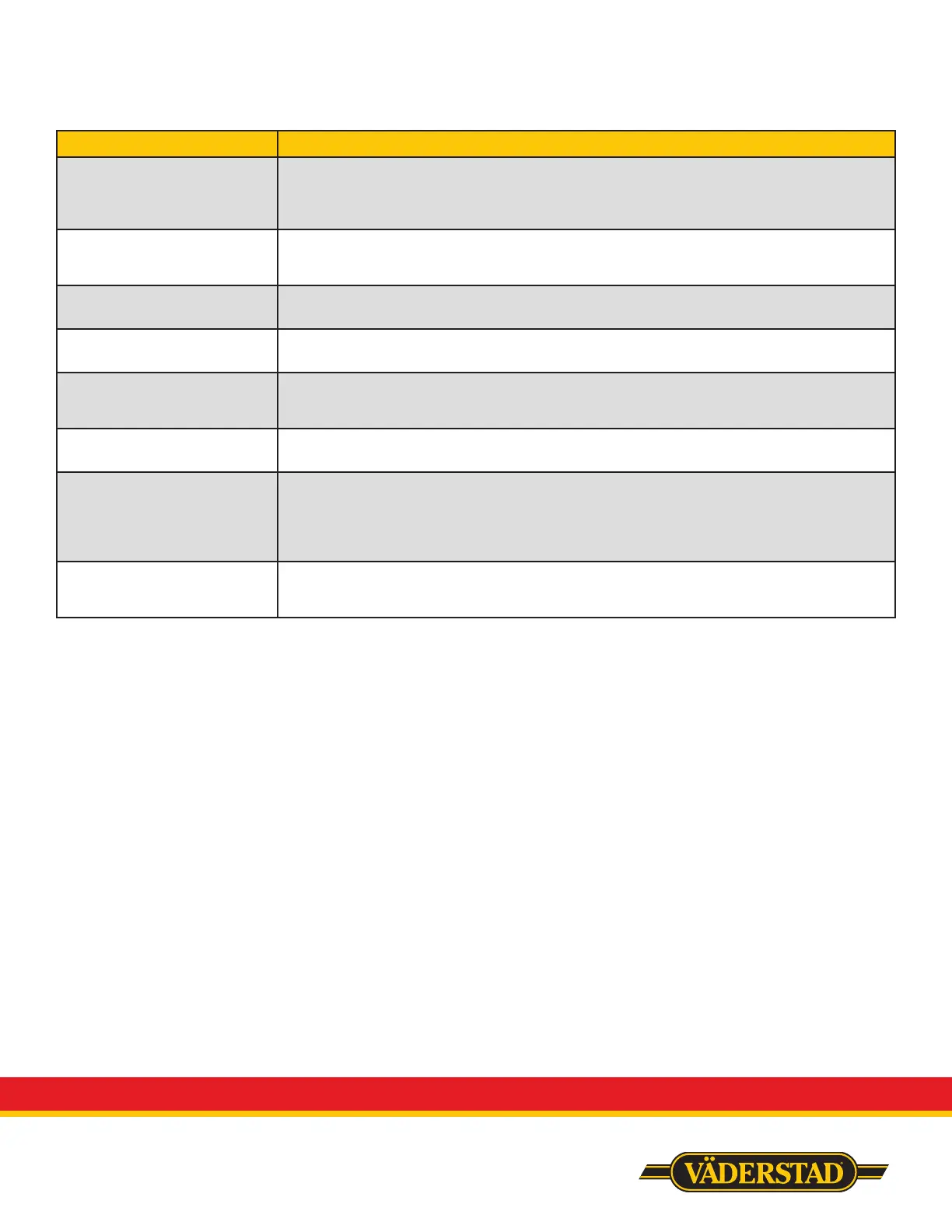
Complaint Troubleshooting Advice
Load cells not reading
accurately
Go into tech app/LC3 and nd the bin you are having issues with. Make sure the raw and
ltered weights are even or close to it for all 3 load cells. If one is way o you likely have a failed
load cell. Make sure the voltage on the bottom line reads 24 or 25. Also check to ensure there is
a gap between the stainless primary pipes and meter bottom.
Meter motor not turning Check operating system for error codes needing to be cleared.
Swap a functioning motor from a dierent tank with the non functioning one, this will
determine if it is a problem with the PM4 or the motor itself.
No fan RPM Check gap between the fan speed sensor and the fan plate, it should be 1/16”.
Make sure fan is turning. Switch the sensor plugs and run to see if it is a failed sensor.
No product being discharged Check to see that bulk shut-os on each tank are open.
Make suer that each bin is pressurizing the correct air stream (banjo valves on side of tanks)
No power to the entire unit Ensure your ISO harness is plugged into your tractor correctly (this starts the gateway and
ECUs). If ECUs are blinking then ISO power is working and you will need to check the relay in
the control panel.
No power to gateway Ensure the toggle switch on the control panel is in the ON position.
Ensure your ISO power cable is plugged into your tractor correctly, check the fuse on the cable
Disconnects Change wi channel (at least 2 channels from the current).
Ensure you are running both iPads.
Is it a gateway 100? If so, see service bulletin on troubleshooting and potential upgrade to
Gateway 260.
If it is a gateway 260, check connection points for loose or pushed in pins.
App not loading on iPad Ensure you are connected to the gateway wi channel.
Ensure you have the latest version of the app, if not, the old version will not load and you will
need to connect to the internet to install the latest version to your iPad.


 To Next Page
 Loading...