Let’s get started!
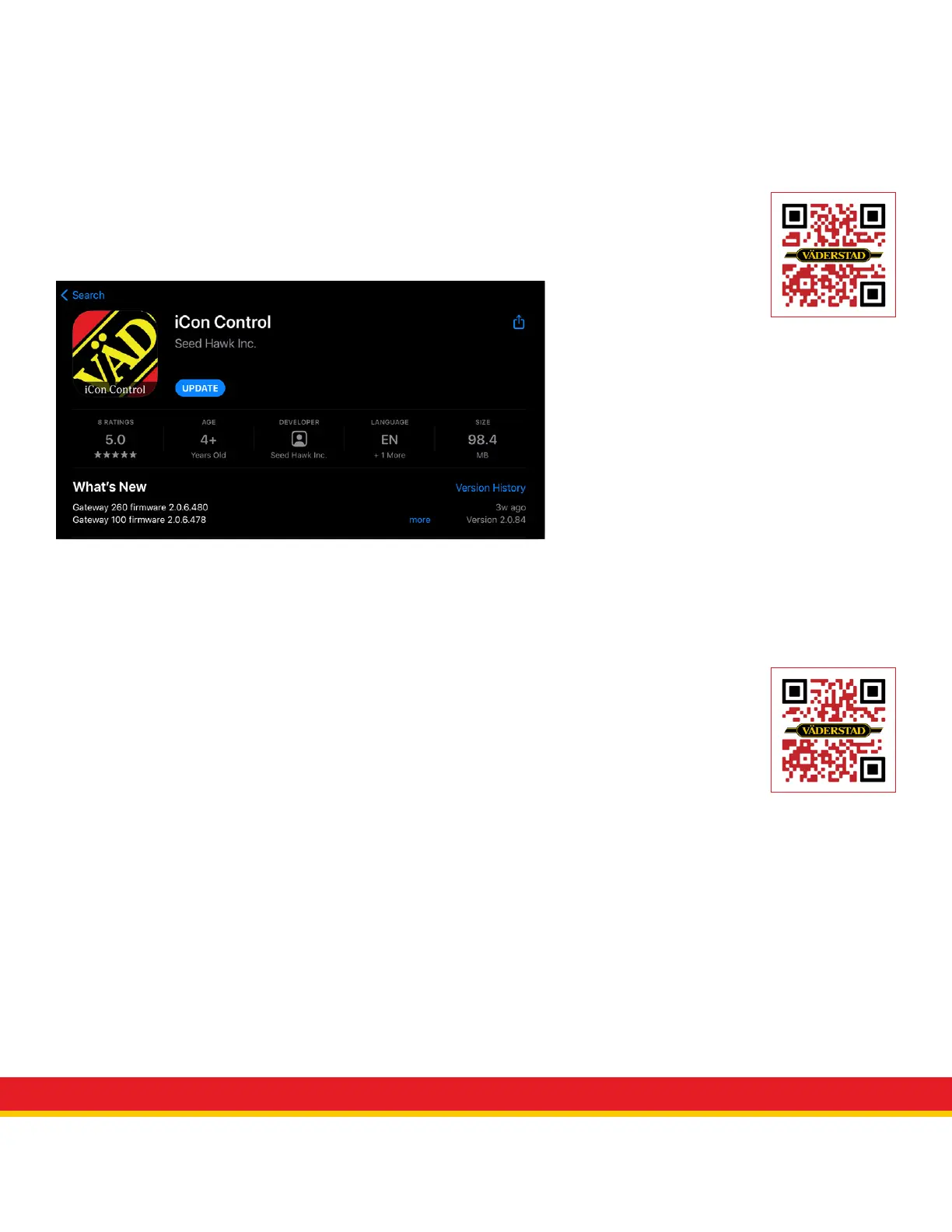
Before you begin operating make sure you have the most updated version of the
iCon Control operating System.
Updating software
1. Visit iCon Control in the App Store
2. If the Update button appears in blue, click it, and let your operating system update.
iCon Control App
Before you begin operating make sure you have turned your fans on, opened the
bulk shut off, and ensured your ladder is secured in the up position.
Connect to the Gateway
1. Ensure your Control Panel switch is on and the green led is lit.
2. Wait for the PM4X LED’s to remain solid red before connecting IPAD to the gateway
3. Go to Settings, Select WiFi
4. Select ICONXXXXXX
5. Password for network is “seedhawk”
6. Once initially paired to machine, the WiFi network will be saved to iPad.
View QuickStart video



 To Next Page