2
、
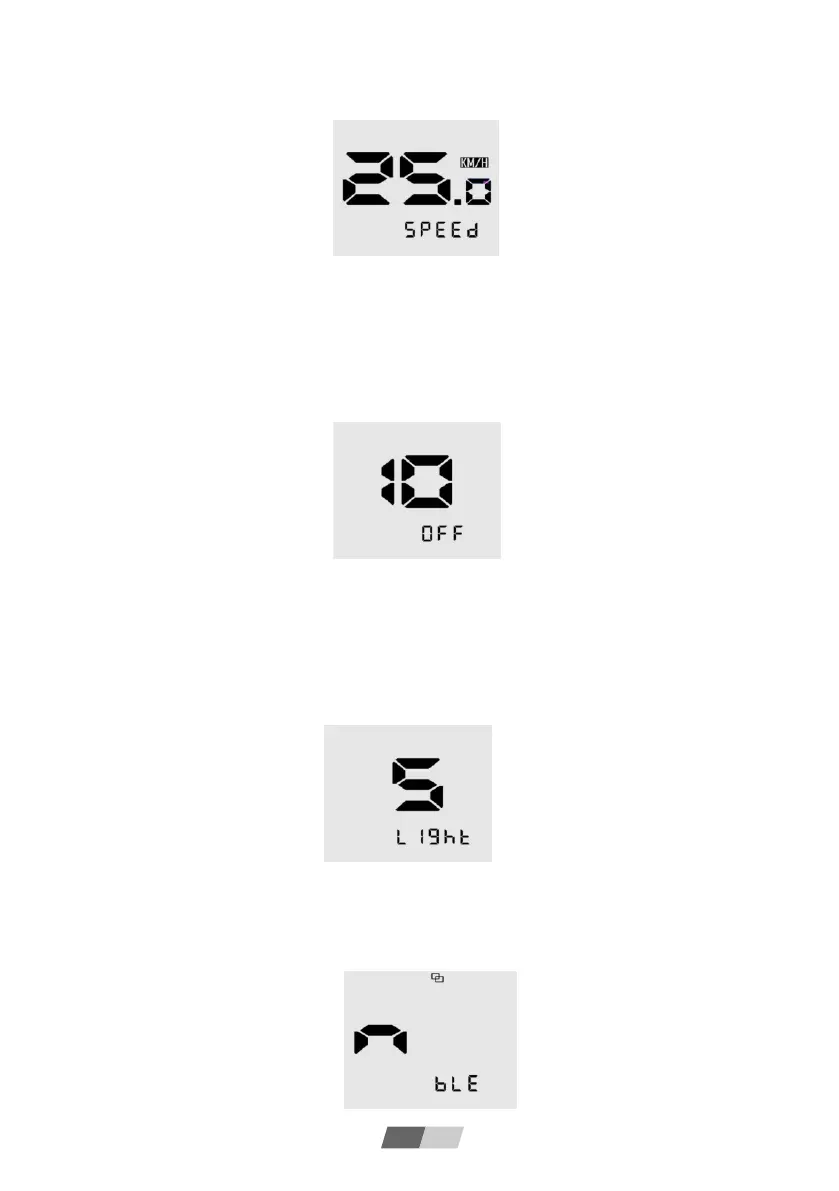
Limited speed adjustment
When thedigitsarea is flashing,thelimitedSpeed can be adjusted.Click on 【+】/【-】toadjust
theand click 【Power】to save and switchover to thenextmenu.
3
、
Auto Power-off Time
In this mode, thedataof auto-power-offtime(in minute)willbe flashing,click【+】/【-】toadjust
itin the range of 0-99(0 means no auto-power-off).
Click 【Power】tosave and switchoverto the nextmenu.
4
、
Backlight Brightness
In this mode, thedata of backlightbrightnesswillbe flashing, click 【+】/【-】to adjustitin the
rangeof 1-5.
Click 【Power】tosave and switchoverto the nextmenu.
5 Bluetooth Connection (Bluetooth version only)
In this mode, the Bluetoothicon willbe flashingfor 1s, it means the display can be searched
and connectedbyAPP.
EN 12



 To Next Page