SYSTEM SETUP
4.
PREFERENCE SETUP PAGE
The preference setting
is
active only when no disc is inserted or play is stopped completely. The settings take effect the next
time the unit
is
switched on.
t9
f(k
• X
Disc
Output
Format
Type
Format
Selected Screen System Mode
NTSC
PAL
MULTI
NTSC
NTSC
PAL
NTSC
DVD
PAL
----_.
PAL
PAL
4.1
TV TYPE
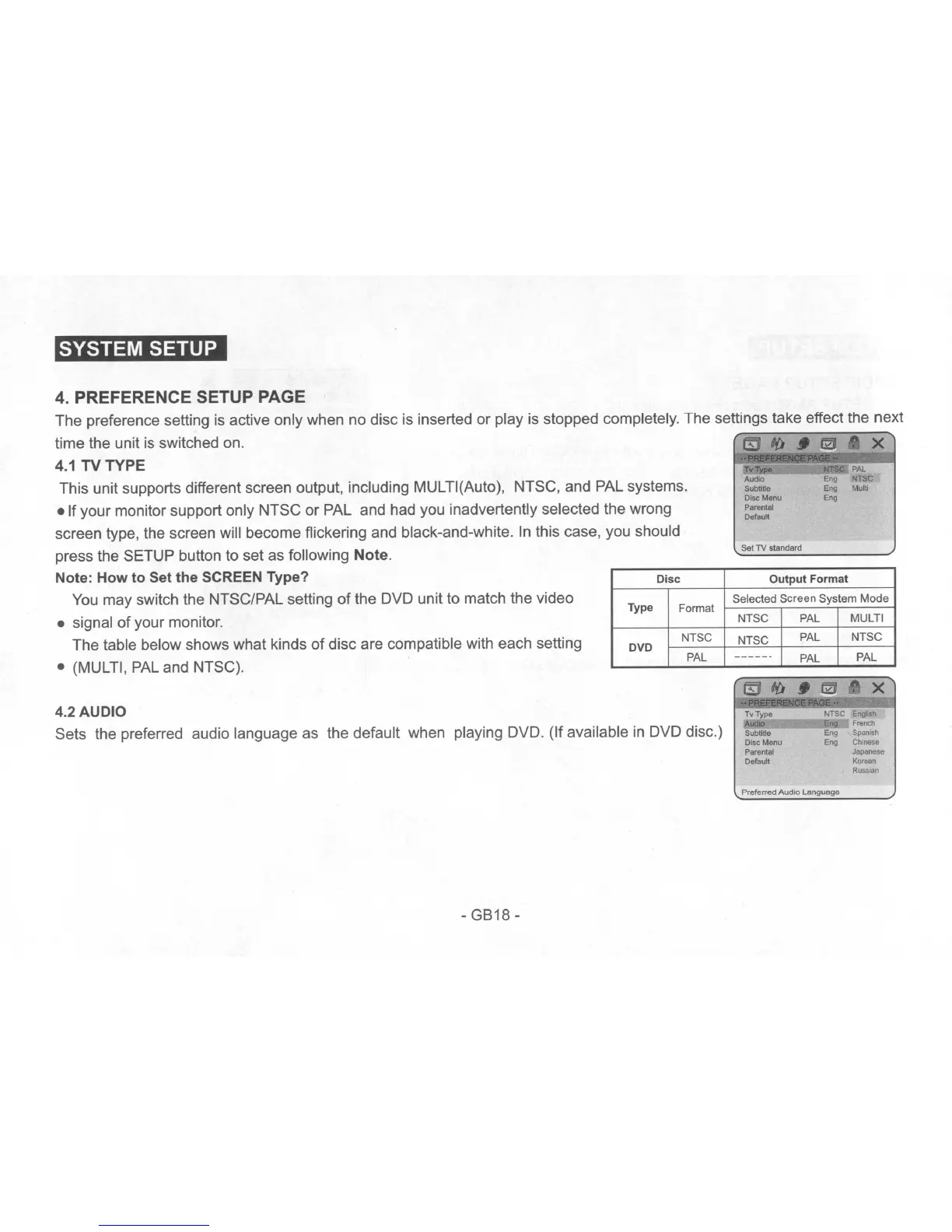
This unit supports different screen output, including MULTI(Auto), NTSC, and PAL systems.
• If your monitor support only NTSC or PAL and had you inadvertently selected the wrong
screen type, the screen will become flickering and black-and-white.
In
this case, you should
press the SETUP button to set as following Note.
Note: How to Set the SCREEN Type?
You
may switch the NTSC/PAL setting
of
the DVD unit to match the video
• signal
of
your monitor.
The table below shows what kinds
of
disc are compatible with each setting
• (MULTI,
PAL
and NTSC).
Set
TV
standard
4.2 AUDIO
Sets the preferred audio language as the default when playing DVD. (If available
in
DVD disc.)
Tv Type
Audio
Subtitle
Disc Menu
Parental
Default
=
=~N~TS=C
E"lli"h
FnlOCh
Eng
Sparnsh
Eng Chinese
J_
Korean
R""",n
-GB18-
Preferred
AudIO
language


 To Next Page
 Loading...