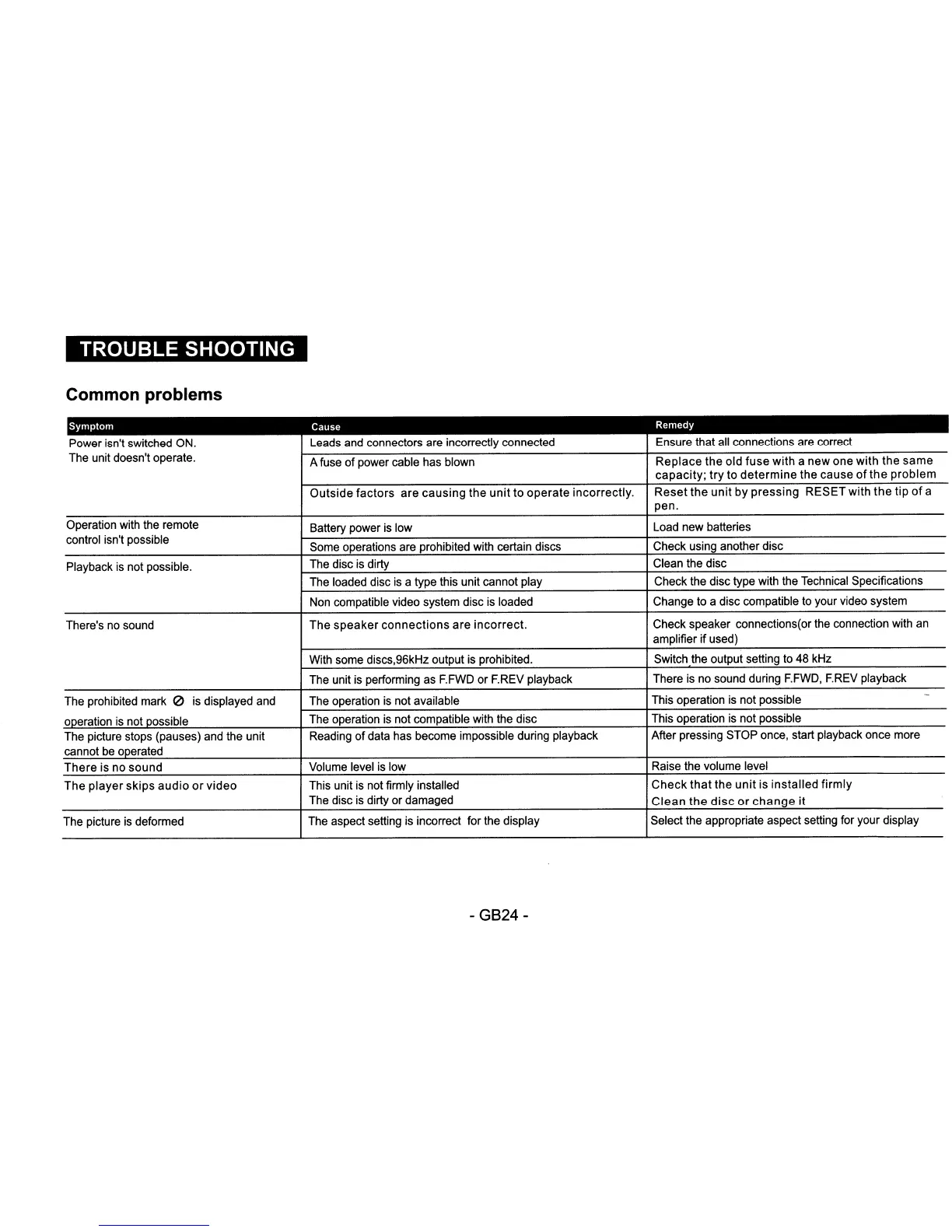
Common problems
Symptom
Cause
Remedy
Power isn't switched ON. Leads and connectors are incorrectly connected Ensure that all connections are correct
The unit doesn't operate.
A fuse
of
power cable has blown
Replace
the old
fuse
with a new one
with
the
same
capacity;
try
to
determine
the cause
of
the
problem
Outside
factors
are
causing
the
unit
to
operate
incorrectly.
Reset
the
unit
by
pressing
RESET with
the
tip
of
a
pen.
Operation with the remote
Battery power
is
low
Load new batteries
control isn't possible
Some operations are prohibited with certain discs
Check using another disc
Playback
is
not possible.
The disc
is
dirty Clean the disc
The loaded disc
is
a type this unit cannot play Check the disc type with the Technical Specifications
Non compatible video system disc is loaded
Change to a disc compatible to your video system
There's no sound
The
speaker
connections
are
incorrect.
Check speaker connections(or the connection with
an
amplifier
if
used)
With some discs,96kHz output is prohibited. Switch the output setting to 48 kHz
The unit is performing as F.FWD or F.REV playback
There
is
no sound during
F.FWD,
F.REV
playback
The prohibited mark
0 is displayed and The operation
is
not available
This operation is not possible
-
operation is not possible
The operation is not compatible with the disc
This operation is not possible
The picture stops (pauses) and the unit Reading
of
data has become impossible dUring playback
After pressing STOP once, start playback once more
cannot be operated
There
is no
sound
Volume level
is
low
Raise the volume level
The
player
skips
audio
or
video
This unit
is
not firmly installed
Check
that
the
unit
is
installed
firmly
The disc
is
dirty or damaged
Clean
the
disc
or
change
it
The picture
is
deformed The aspect setting is incorrect for the display Select the appropriate aspect setting for your display
-
GB24-


 To Next Page
 Loading...