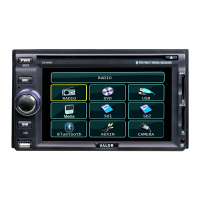
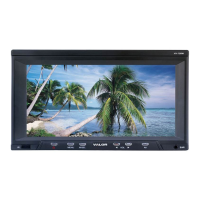
9. Attach the DVD player to the metal mounting plate using the CM 4x8 screws.
10. Reconnect the terminal of the battery.
Notes:
§ Always connect the red wire to the ACC of the ignition switch. Or the battery
charge might be drained off prematurely.
§ If the fuse is blown, first make sure that the cables have not caused a short
circuit, and then replace the old fuse with a new one of the same ratings.
§ Do not have unconnected cables or terminals touch the metal on the car or
any other conducting material. Always isolate and insulate unused leads.
§ To prevent short circuits, do not remove the caps from unused terminals or
from the ends of the unconnected cables.
§ After the display unit is installed, check and make sure the brake lights,
blinkers, wiper, etc. on the vehicle are working properly.
§ Insulate unconnected wires with vinyl tape or other similar material.



 To Next Page