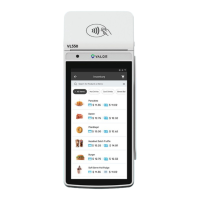
Configure settings on the device such as Server/Clerk, Change
Password, Wifi Config, SIM Config, and Utilities.
SETTINGS
1. Tap the Main Menu icon-tap the Page Down
icon and select Pre Sale.
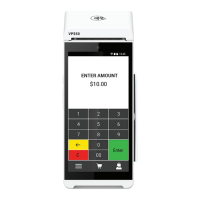
2. Enter the Transaction Amount, press the Enter
Button and the pre-sale ticket will be printed.
PRE-SALE TICKET
Adjust the tip amount on transactions performed within
current batch.
TIP ADJUST
Generates a Pre-Sale ticket.
PRE SALE
Used to apply parameter changes or update the version
on the device.
UPDATES
See summary reports for current open batch, the last settled
batch, and the detailed reports of the last 5 batches settled.
REPORTS
Option to settle the current batch.
SETTLEMENT
Prints the receipt for last transaction performed.
REPRINT RECEIPT
Option to print receipt for the last transaction or any
transaction receipt from current open batch selected by
using the Tran No. or Last 4 digit of the card number.
REPRINT
1. From the Home Screen, tap the Main Menu icon.
2. Tap Settings, then WiFi Config
3. Tap SSID
4. Enter WiFi Password (Password is case sensitive)
5. Tap Connect
Main Menu Options
Connect to WiFi
VL550|R1.08282024 | valorpaytech.com


 To Next Page
 Loading...