Portable Ultrasound Scanner V16
For veterinary use only
Overview
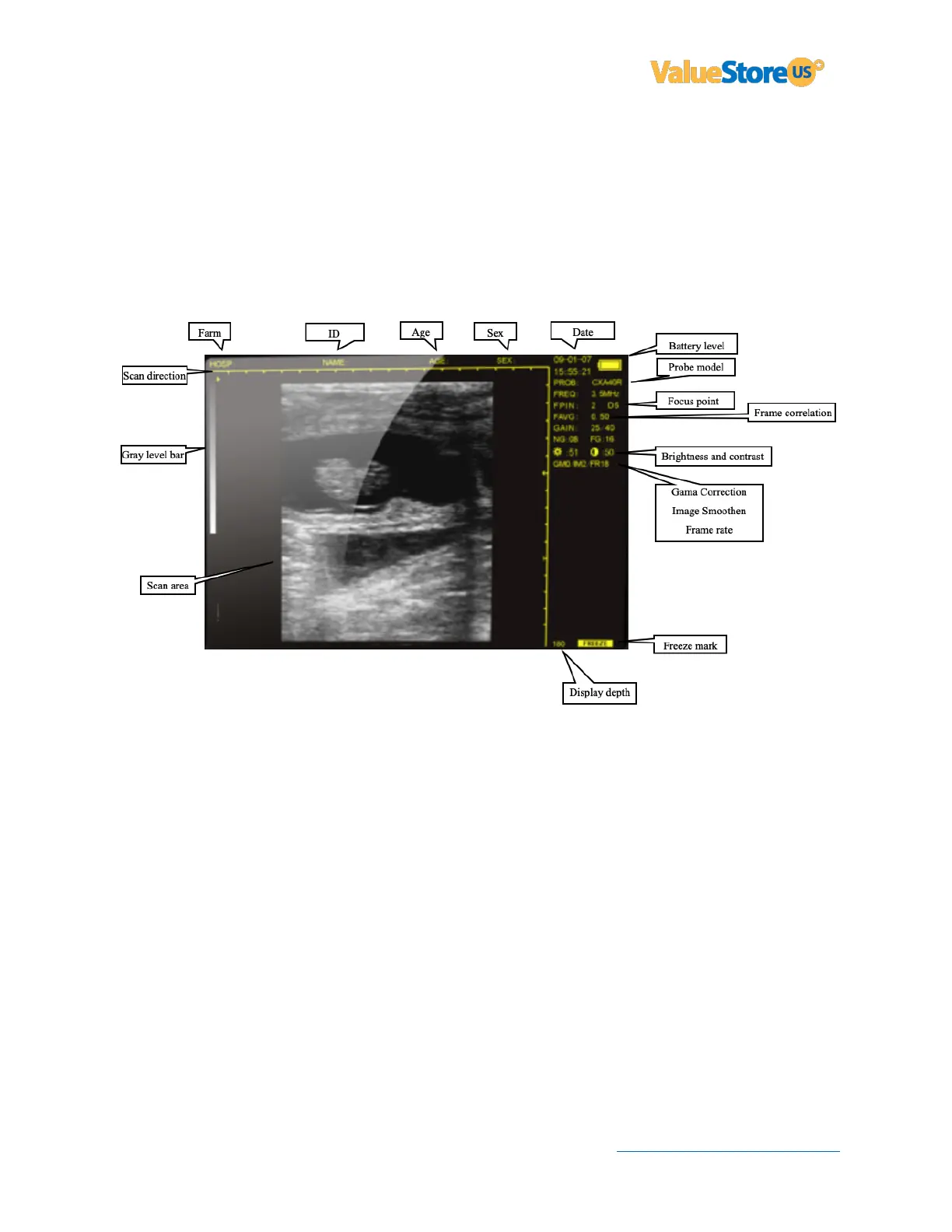
Quick guide to adjust settings and enter information using the keyboard:
• Press (5) or (4) to select frequency, focus point, gain, etc. then press (3) or (4) to adjust.
• Press (1) to adjust Depth.
• Press (Freeze) to pause the image.
• Press (M) or (0) to see more options then select the option you want using the numbers
in the keyboard. For example, press (1) to save an image or (7) to reset parameters to
factory default.
• Press (Freeze) then (MENU) to enter: Name, Age, Sex, Time, etc.
___________________________________
Download the complete user guide at ValueStore.us
Visit: ValueStore.us/download then click on: Ultrasound Scanner V16.
Questions? Visit ValueStore.us or email us at customercare@valuestore.us



 To Previous Page